Skip to content
QB Help Hub Logo
  • Home
  • Blog
  • Contact
  • Disclaimer
  • Privacy Policy
Menu Close
  • Home
  • Blog
  • Contact
  • Disclaimer
  • Privacy Policy

Blog

  1. Home>
  2. Blog>
  3. Page 9
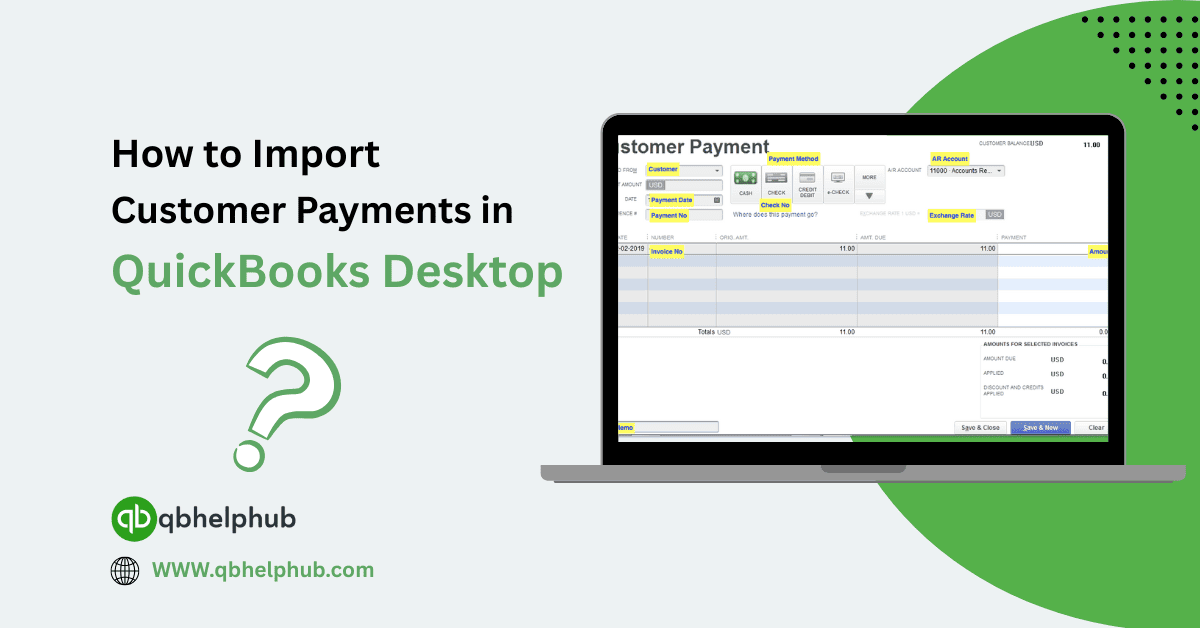
Read more about the article How to Import Customer Payments in QuickBooks Desktop?

How to Import Customer Payments in QuickBooks Desktop?

  • Post author:Denis Stallings
  • Post published:June 12, 2025
  • Post category:Quickbooks Desktop
  • Post comments:0 Comments

Managing your incoming payments can feel like a lot of work, especially when they start piling up. If you’re dealing with large volumes of customer payments, entering them manually one…

Continue ReadingHow to Import Customer Payments in QuickBooks Desktop?
Read more about the article How to Choose Best Version of QuickBooks for Small Businesses?

How to Choose Best Version of QuickBooks for Small Businesses?

  • Post author:kyle iftin
  • Post published:June 12, 2025
  • Post category:Quickbooks
  • Post comments:0 Comments

Starting or running a small business means juggling quite a bit, inventory, expenses, payroll, and customer invoices, just to name a few. And while spreadsheets may seem manageable early on,…

Continue ReadingHow to Choose Best Version of QuickBooks for Small Businesses?
Read more about the article How Much Does QuickBooks Charge for Credit Card Payments?

How Much Does QuickBooks Charge for Credit Card Payments?

  • Post author:Denis Stallings
  • Post published:June 12, 2025
  • Post category:Quickbooks
  • Post comments:0 Comments

If you run a small business and use QuickBooks for invoicing or sales, then you’ve probably noticed credit card fees sneaking up on you. At first, they seem small, just…

Continue ReadingHow Much Does QuickBooks Charge for Credit Card Payments?
Read more about the article Try QuickBooks Online Free: How to Use the Demo Account?

Try QuickBooks Online Free: How to Use the Demo Account?

  • Post author:kyle iftin
  • Post published:June 12, 2025
  • Post category:Quickbooks Online
  • Post comments:0 Comments

Are you curious about how QuickBooks Online works but not quite ready to commit? You’re not alone. That’s exactly where the free demo account comes in handy. It lets you…
Continue ReadingTry QuickBooks Online Free: How to Use the Demo Account?
Read more about the article How to Transfer QuickBooks to a New Computer: A Step-by-Step Guide

How to Transfer QuickBooks to a New Computer: A Step-by-Step Guide

  • Post author:kyle iftin
  • Post published:June 10, 2025
  • Post category:Quickbooks Desktop
  • Post comments:0 Comments

Switching to a new computer? But if you’re using QuickBooks and wondering how to move everything over without breaking something, or losing your data, you’re definitely not alone. Transferring QuickBooks…
Continue ReadingHow to Transfer QuickBooks to a New Computer: A Step-by-Step Guide
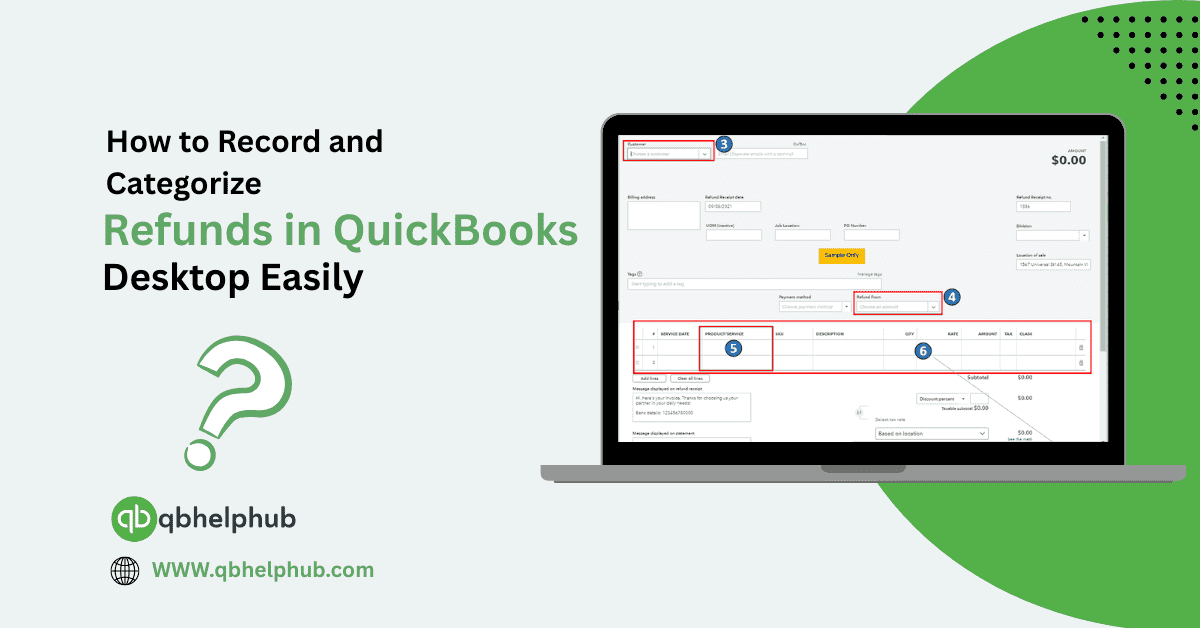
Read more about the article How to Record and Categorize Refunds in QuickBooks Desktop Easily?

How to Record and Categorize Refunds in QuickBooks Desktop Easily?

  • Post author:Denis Stallings
  • Post published:June 10, 2025
  • Post category:Quickbooks Desktop
  • Post comments:0 Comments

Sometimes in business, refunds happen. Maybe a customer returns a product, or you get a credit from a vendor. Either way, QuickBooks Desktop has tools that let you track and…

Continue ReadingHow to Record and Categorize Refunds in QuickBooks Desktop Easily?
Read more about the article How To Take Control of Your Small Business Cash Flow?

How To Take Control of Your Small Business Cash Flow?

  • Post author:kyle iftin
  • Post published:June 3, 2025
  • Post category:Quickbooks
  • Post comments:0 Comments

Cash flow can make or break a small business. It’s not just about how much money you’re bringing in it’s about how well you manage what’s coming and going on…
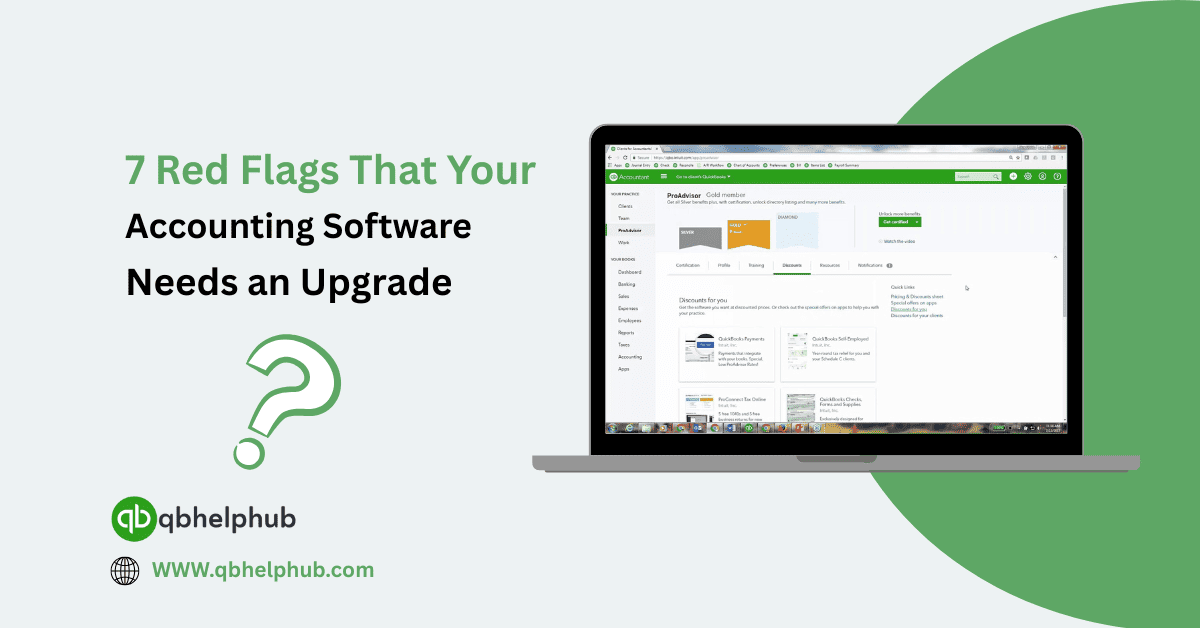
Continue ReadingHow To Take Control of Your Small Business Cash Flow?
Read more about the article 7 Red Flags That Your Accounting Software Needs an Upgrade

7 Red Flags That Your Accounting Software Needs an Upgrade

  • Post author:Denis Stallings
  • Post published:June 3, 2025
  • Post category:Quickbooks
  • Post comments:0 Comments

It’s easy to settle into the routine of using the same accounting system you started with. If it’s not broken, why fix it right? But over time, what used to…

Continue Reading7 Red Flags That Your Accounting Software Needs an Upgrade
Read more about the article How To Access Free Business Plan Templates in QuickBooks

How To Access Free Business Plan Templates in QuickBooks

  • Post author:kyle iftin
  • Post published:June 3, 2025
  • Post category:Quickbooks
  • Post comments:0 Comments

Planning for growth doesn’t have to start from scratch. Whether you’re just getting started or fine-tuning your existing operations, a business plan helps keep your goals clear and your numbers…
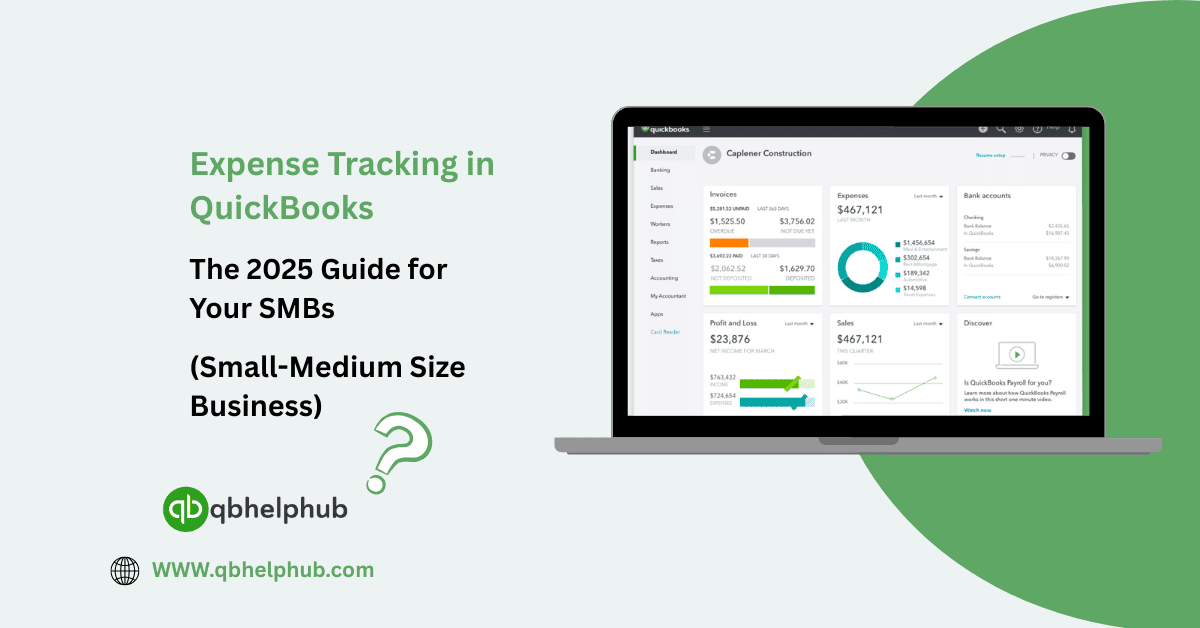
Continue ReadingHow To Access Free Business Plan Templates in QuickBooks
Read more about the article Expense Tracking in QuickBooks: The 2025 Guide for Your SMBs (Small-Medium Size Business)

Expense Tracking in QuickBooks: The 2025 Guide for Your SMBs (Small-Medium Size Business)

  • Post author:Denis Stallings
  • Post published:June 3, 2025
  • Post category:Quickbooks
  • Post comments:0 Comments

Managing business expenses may not be the most exciting part of running a company, but it’s one of the most important especially for small and medium-sized businesses. If you don’t…

Continue ReadingExpense Tracking in QuickBooks: The 2025 Guide for Your SMBs (Small-Medium Size Business)
  • Go to the previous page
  • 1
  • …
  • 6
  • 7
  • 8
  • 9
  • 10
  • 11
  • 12
  • …
  • 23
  • Go to the next page

OUR POPULAR SERVICES

  • QuickBooks Desktop Support
  • QuickBooks Enterprise Solutions
  • QuickBooks Enterprise Hosting
  • QuickBooks Enterprise Pricing and Cost Analysis
  • Intuit QuickBooks Enterprise Training
  • QuickBooks Enterprise Technical Support
  • Intuit QuickBooks Payroll Support

C@LL Intuit Quickbooks Support

+1-855-369-5040
  • Accounting Software
  • Bookkeeping
  • Bookkeeping & Finance
  • Bookkeeping Tips
  • Quickbooks
  • Quickbooks bookkeeping
  • Quickbooks Cloud
  • Quickbooks Desktop
  • Quickbooks Enterprise
  • Quickbooks Error
  • Quickbooks Online
  • QuickBooks Payroll
  • QuickBooks Tutorials
  • Small Business Accounting
  • Tax Season

Why Choose QB HELP HUB?

  • Real Human Experts: No bots, just real, experienced professionals.
  • 24/7 Availability: We're here for you anytime, day or night.
  • Personalized Support: Tailored solutions for your specific needs.

LATEST POST

  • QuickBooks vs. Sage Comparison: Which Accounting Software Fits Your Business Best?
    QuickBooks vs. Sage Comparison: Which Accounting Software Fits Your Business Best?
  • How to Set Up a Loan in QuickBooks Online?
    How to Set Up a Loan in QuickBooks Online?
  • How to Print Checks in QuickBooks the Easy Way (Step-by-Step Guide)
    How to Print Checks in QuickBooks the Easy Way (Step-by-Step Guide)
  • How to Make Journal Entry in QuickBooks Online correctly?
    How to Make Journal Entry in QuickBooks Online correctly?
  • How to Easily Connect Stripe with QuickBooks Online: Step-by-Step Integration Guide
    How to Easily Connect Stripe with QuickBooks Online: Step-by-Step Integration Guide
QB Help Hub Logo footer

QB Help Hub offers expert assistance and resources for QuickBooks Desktop and QuickBooks Enterprise users. Discover pricing, solutions, and hosting options for Intuit QuickBooks Enterprise. Get cost-effective solutions and gold-standard support for your QuickBooks Enterprise needs.

Important Links

  • Home
  • Blog
  • FAQs
  • Contact
  • Disclaimer
  • Privacy Policy
  • About Us

Need Support

  • QuickBooks Desktop Support
  • QuickBooks Enterprise Solutions
  • QuickBooks Enterprise Hosting
  • QuickBooks Enterprise Pricing and Cost Analysis
  • Intuit QuickBooks Enterprise Training
  • QuickBooks Enterprise Technical Support
  • Intuit QuickBooks Payroll Support

Contact Info:

Phone: +1-859-429-7987

Email: support@qbhelphub.com

Location: United States of America

Website: www.qbhelphub.com

Live Chat Support
Copyright © 2024 QB HELP HUB | All Right Reserved.
QB Support