Skip to content
QB Help Hub Logo
  • Home
  • Blog
  • Contact
  • Disclaimer
  • Privacy Policy
Menu Close
  • Home
  • Blog
  • Contact
  • Disclaimer
  • Privacy Policy

Blog

  1. Home>
  2. Blog>
  3. Page 11
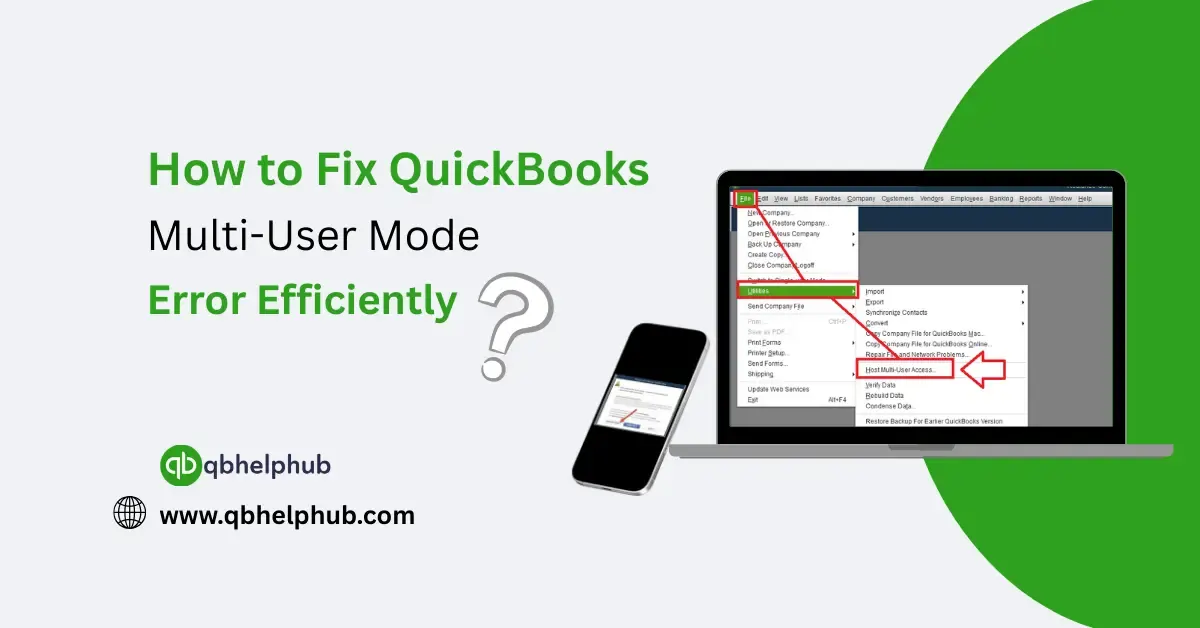
Read more about the article How to Fix QuickBooks Multi-User Mode Error Efficiently?

How to Fix QuickBooks Multi-User Mode Error Efficiently?

  • Post author:kyle iftin
  • Post published:May 20, 2025
  • Post category:Quickbooks Error
  • Post comments:0 Comments

Sharing your QuickBooks company file with team members should be smooth but sometimes, when you try switching to multi-user mode, and QuickBooks freezes, gives an error message, or simply refuses…
Continue ReadingHow to Fix QuickBooks Multi-User Mode Error Efficiently?
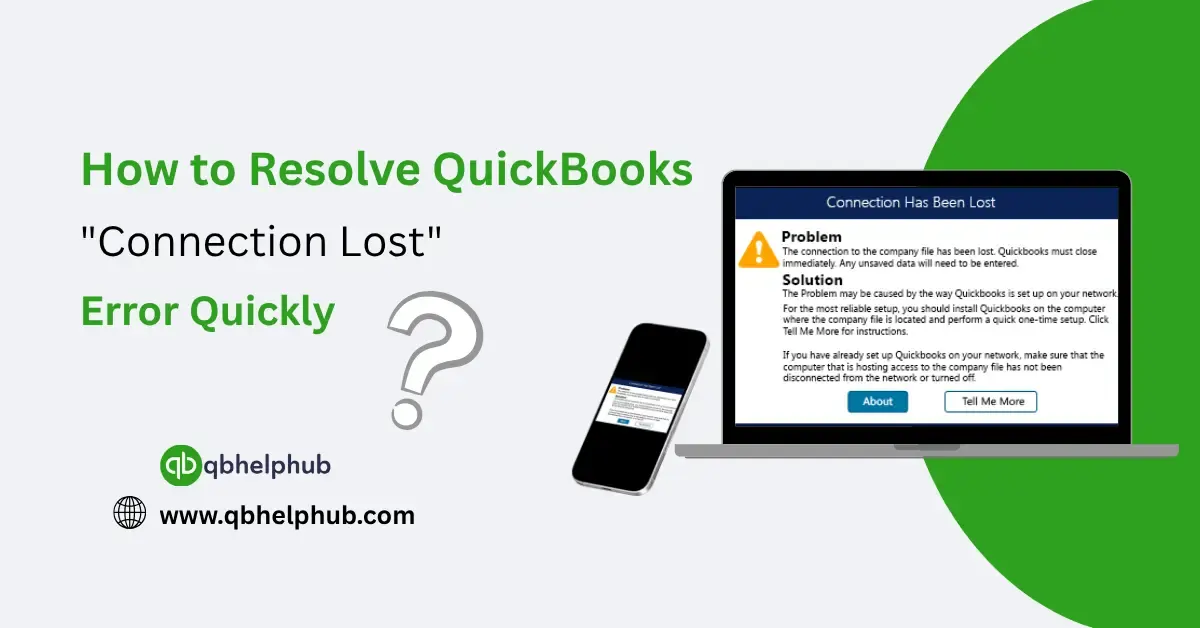
Read more about the article How to Resolve QuickBooks “Connection Lost” Error Quickly?

How to Resolve QuickBooks “Connection Lost” Error Quickly?

  • Post author:kyle iftin
  • Post published:May 14, 2025
  • Post category:Quickbooks Desktop
  • Post comments:0 Comments

There’s nothing more frustrating than being in the middle of important work in QuickBooks Desktop and suddenly seeing the message: “The connection to the company file has been lost. QuickBooks…

Continue ReadingHow to Resolve QuickBooks “Connection Lost” Error Quickly?
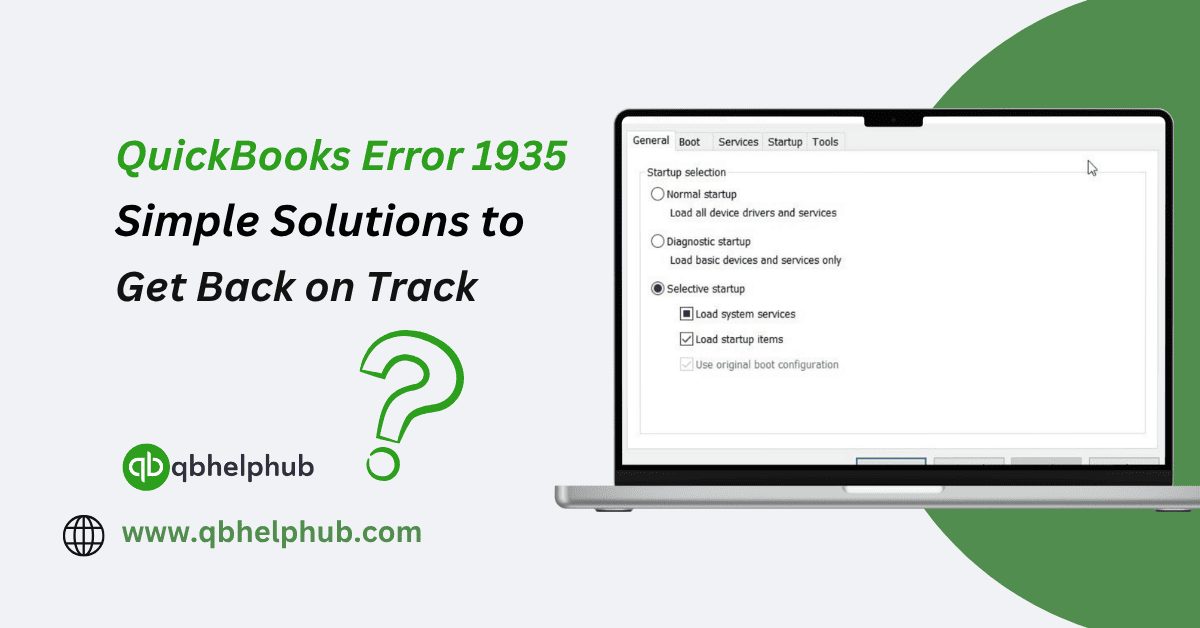
Read more about the article QuickBooks Error 1935: Simple Solutions to Get Back on Track

QuickBooks Error 1935: Simple Solutions to Get Back on Track

  • Post author:Denis Stallings
  • Post published:May 14, 2025
  • Post category:Quickbooks Error
  • Post comments:0 Comments

Running into an error while installing QuickBooks is frustrating especially when it shows a code like Error 1935 with no clear explanation. If you’ve seen this one pop up during…

Continue ReadingQuickBooks Error 1935: Simple Solutions to Get Back on Track
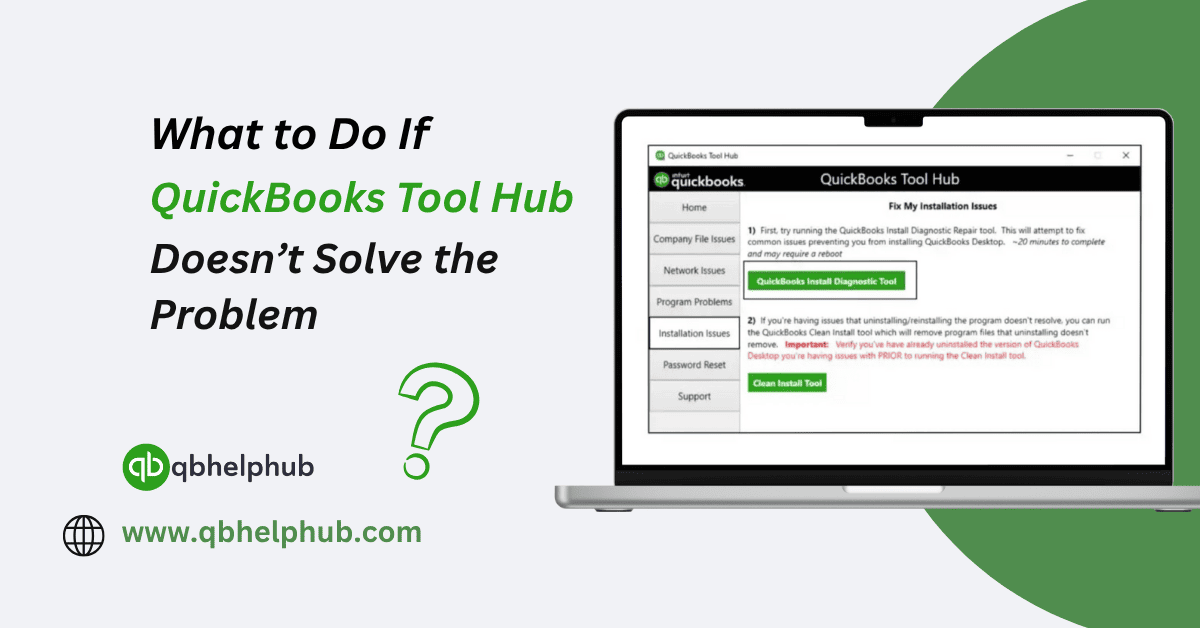
Read more about the article What to Do If QuickBooks Tool Hub Doesn’t Solve the Problem?

What to Do If QuickBooks Tool Hub Doesn’t Solve the Problem?

  • Post author:Denis Stallings
  • Post published:May 14, 2025
  • Post category:Quickbooks
  • Post comments:0 Comments

QuickBooks Tool Hub is often the first line of defence when something goes wrong in QuickBooks Desktop. Whether it’s a company file error, an installation problem, or a frustrating crash,…

Continue ReadingWhat to Do If QuickBooks Tool Hub Doesn’t Solve the Problem?
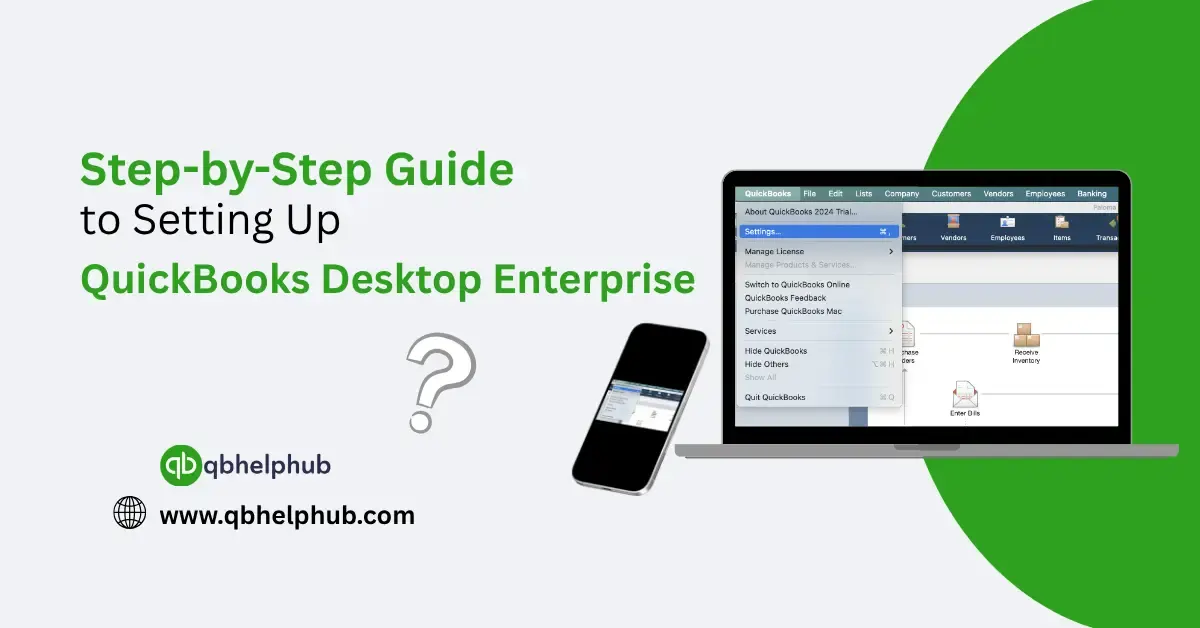
Read more about the article Step-by-Step Guide to Setting Up QuickBooks Desktop Enterprise

Step-by-Step Guide to Setting Up QuickBooks Desktop Enterprise

  • Post author:kyle iftin
  • Post published:May 14, 2025
  • Post category:Quickbooks Desktop
  • Post comments:0 Comments

QuickBooks Desktop Enterprise is a strong platform built for businesses that have exceeded the basic accounting tools. If you’re managing a large volume of transactions, multiple users, or complex inventory,…

Continue ReadingStep-by-Step Guide to Setting Up QuickBooks Desktop Enterprise
Read more about the article QuickBooks Banking Error 105: How to Solve It Fast?

QuickBooks Banking Error 105: How to Solve It Fast?

  • Post author:Denis Stallings
  • Post published:May 9, 2025
  • Post category:Quickbooks Error
  • Post comments:0 Comments

When you're trying to stay on top of your business finances, the last thing you want is a bank connection error in QuickBooks. One of the more common one’s users…

Continue ReadingQuickBooks Banking Error 105: How to Solve It Fast?
Read more about the article How to Fix QuickBooks License Error After Cloning?

How to Fix QuickBooks License Error After Cloning?

  • Post author:Denis Stallings
  • Post published:May 9, 2025
  • Post category:Quickbooks
  • Post comments:0 Comments

Cloning your system whether for hardware upgrades, data migration, or system backups is supposed to make your life easier. But if you've recently cloned a hard drive and then opened…

Continue ReadingHow to Fix QuickBooks License Error After Cloning?
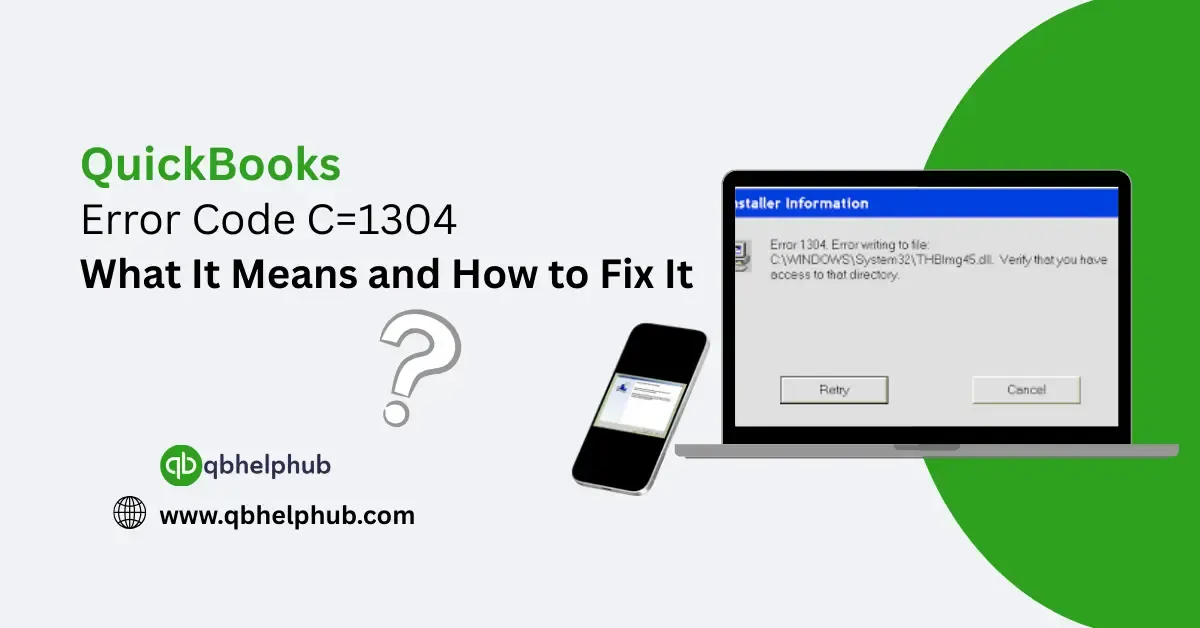
Read more about the article QuickBooks Error Code C=1304: What It Means and How to Fix It?

QuickBooks Error Code C=1304: What It Means and How to Fix It?

  • Post author:kyle iftin
  • Post published:May 9, 2025
  • Post category:Quickbooks Error
  • Post comments:0 Comments

You’re installing QuickBooks, everything’s moving smoothly and then out of nowhere, it stops. You see something about "Error C=1304" and a message saying QuickBooks couldn’t write to a file. Not…

Continue ReadingQuickBooks Error Code C=1304: What It Means and How to Fix It?
Read more about the article Complete Guide to Fixing QuickBooks Error Code 15203

Complete Guide to Fixing QuickBooks Error Code 15203

  • Post author:Denis Stallings
  • Post published:May 9, 2025
  • Post category:Quickbooks Error
  • Post comments:0 Comments

At some point, most QuickBooks Desktop users run into unexpected issues while updating the software or downloading payroll data. One of those lesser-known problems is Error Code 15203. It's not…

Continue ReadingComplete Guide to Fixing QuickBooks Error Code 15203
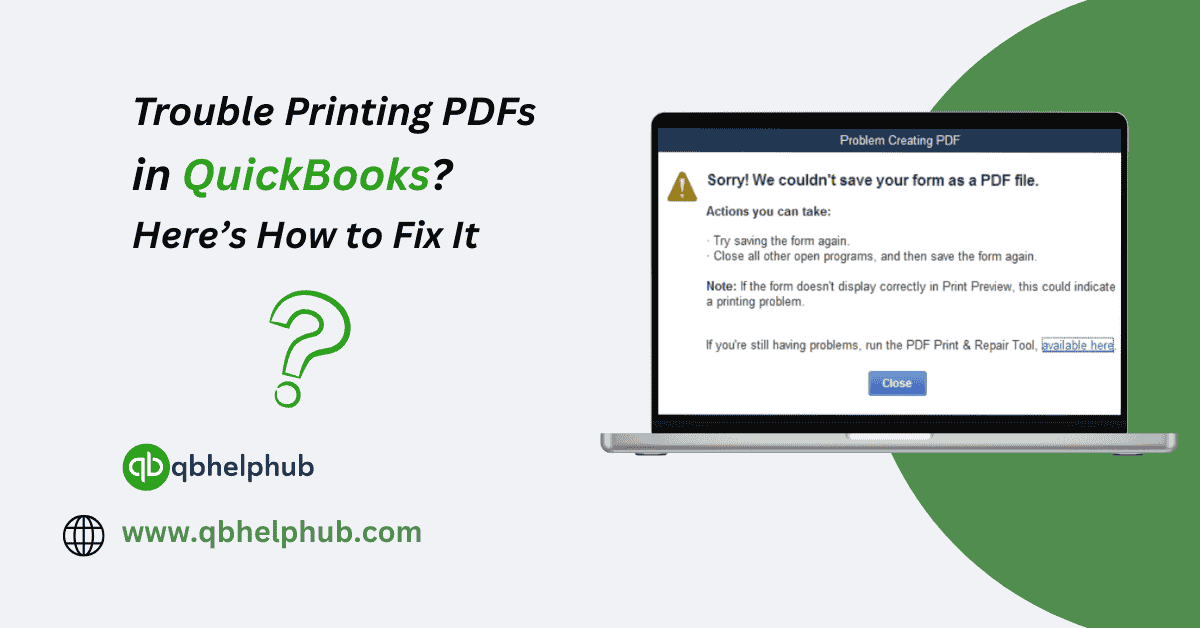
Read more about the article Trouble Printing PDFs in QuickBooks? Here’s How to Fix It

Trouble Printing PDFs in QuickBooks? Here’s How to Fix It

  • Post author:Denis Stallings
  • Post published:May 9, 2025
  • Post category:Quickbooks
  • Post comments:0 Comments

If you're using QuickBooks Desktop and suddenly run into issues printing to PDFs maybe while trying to send an invoice, save a report, or print a pay stub you’re not…

Continue ReadingTrouble Printing PDFs in QuickBooks? Here’s How to Fix It
  • Go to the previous page
  • 1
  • …
  • 8
  • 9
  • 10
  • 11
  • 12
  • 13
  • 14
  • …
  • 23
  • Go to the next page

OUR POPULAR SERVICES

  • QuickBooks Desktop Support
  • QuickBooks Enterprise Solutions
  • QuickBooks Enterprise Hosting
  • QuickBooks Enterprise Pricing and Cost Analysis
  • Intuit QuickBooks Enterprise Training
  • QuickBooks Enterprise Technical Support
  • Intuit QuickBooks Payroll Support

C@LL Intuit Quickbooks Support

+1-855-369-5040
  • Accounting Software
  • Bookkeeping
  • Bookkeeping & Finance
  • Bookkeeping Tips
  • Quickbooks
  • Quickbooks bookkeeping
  • Quickbooks Cloud
  • Quickbooks Desktop
  • Quickbooks Enterprise
  • Quickbooks Error
  • Quickbooks Online
  • QuickBooks Payroll
  • QuickBooks Tutorials
  • Small Business Accounting
  • Tax Season

Why Choose QB HELP HUB?

  • Real Human Experts: No bots, just real, experienced professionals.
  • 24/7 Availability: We're here for you anytime, day or night.
  • Personalized Support: Tailored solutions for your specific needs.

LATEST POST

  • QuickBooks vs. Sage Comparison: Which Accounting Software Fits Your Business Best?
    QuickBooks vs. Sage Comparison: Which Accounting Software Fits Your Business Best?
  • How to Set Up a Loan in QuickBooks Online?
    How to Set Up a Loan in QuickBooks Online?
  • How to Print Checks in QuickBooks the Easy Way (Step-by-Step Guide)
    How to Print Checks in QuickBooks the Easy Way (Step-by-Step Guide)
  • How to Make Journal Entry in QuickBooks Online correctly?
    How to Make Journal Entry in QuickBooks Online correctly?
  • How to Easily Connect Stripe with QuickBooks Online: Step-by-Step Integration Guide
    How to Easily Connect Stripe with QuickBooks Online: Step-by-Step Integration Guide
QB Help Hub Logo footer

QB Help Hub offers expert assistance and resources for QuickBooks Desktop and QuickBooks Enterprise users. Discover pricing, solutions, and hosting options for Intuit QuickBooks Enterprise. Get cost-effective solutions and gold-standard support for your QuickBooks Enterprise needs.

Important Links

  • Home
  • Blog
  • FAQs
  • Contact
  • Disclaimer
  • Privacy Policy
  • About Us

Need Support

  • QuickBooks Desktop Support
  • QuickBooks Enterprise Solutions
  • QuickBooks Enterprise Hosting
  • QuickBooks Enterprise Pricing and Cost Analysis
  • Intuit QuickBooks Enterprise Training
  • QuickBooks Enterprise Technical Support
  • Intuit QuickBooks Payroll Support

Contact Info:

Phone: +1-859-429-7987

Email: support@qbhelphub.com

Location: United States of America

Website: www.qbhelphub.com

Live Chat Support
Copyright © 2024 QB HELP HUB | All Right Reserved.
QB Support