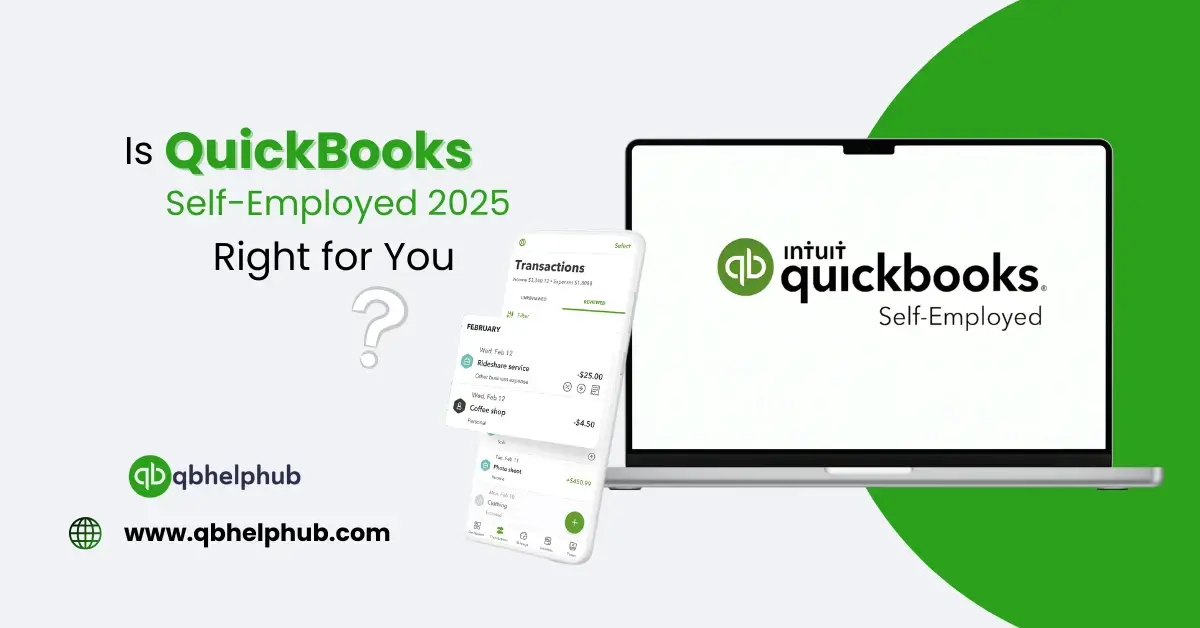
If you are self-employed then you know that personal and business finances don’t always mix. And you end up doing all the roles by yourself like the boss, the employee and the accountant. That’s where QuickBooks Self-Employed can help ease your burden. It helps you track income, expenses, taxes, invoices everything in one place. In this blog we’re going to look at what QuickBooks Self-Employed does in 2025 and help you decide if it’s right for your business.
Read Also: How to Use QuickBooks for Small Business Accounting?
What Is QuickBooks Self-Employed?
QuickBooks Self-Employed is a version of QuickBooks designed specifically for freelancers, and sole proprietors. If you drive for Uber, sell goods online, operate a small service business or do contract work, this tool is for you.
It helps with:
- Tracking income and expenses
- Logging mileage
- Sending invoices
- Organizing receipts
- Quarterly taxes: determining and paying
And the best part is that it’s easy to use, even if you’re new to bookkeeping.
How Does It Work?
QuickBooks Self-Employed links up with your bank accounts and credit cards. After linking, it retrieves all your transactions. You can then, sort them into categories such as “Business” or “Personal.”
It also lets you:
- Snap a photo to add in receipts
- Monitor mileage with the mobile app
- Send your invoices right away and make them look simple and professional
- It keeps everything so that when tax time comes around, you’re feeling organized.
What are the Key Features of QuickBooks Self-Employed in 2025?
- Automatic Transaction Import: After you link your bank account to QuickBooks, it brings in your purchases and deposits every day. As a result, you don’t have to type anything by hand.
- Smart Expense Tracking: Swipe right to categorize an expense as business or swipe left for personal, in other words, it’s that simple.
- Easy Invoicing: Make and email invoices in minutes, specifically, set due dates, track payments, and add your
- Mileage Tracker: The mobile app tracks you’re driving automatically, using GPS and consequently, you can deduct as much as possible at the end of the year.
- Tax Help: Income and expenses create the estimated taxes calculated by QuickBooks, moreover, they can even assist you to pay quarterly taxes online.
- Receipt Organization: Take a picture of any receipt, and QuickBooks securely saves it in the cloud. You won’t lose another business expense again.
Read Also: How to Integrate Third-Party Apps with QuickBooks Without Errors?
Who Should use QuickBooks Self-Employed?
- This tool is best for:
- Freelancers and gig workers
- Independent consultants
- Ride-hailing and food delivery drivers
- Online sellers and creators
- Part-time entrepreneurs
If you have no employees or need only advanced features like payroll or inventory, QuickBooks Self-Employed might be perfect.
Pros and Cons
Pros:
- Firstly, it is very easy to use
- It automatically tracks business mileage
- Assists with quarterly estimated taxes
- Furthermore, everything is in one place, receipts are organised, expenses are totalled by category
Cons:
- On the other hand, it not suitable for growing companies with employees
- In addition, there is no customization options like QuickBooks Online
- Also, it cannot track inventory or pay employees
Pricing in 2025
QuickBooks Self-Employed has a low monthly fee. In 2025, plans may include:
- Business: Expense tracking, invoicing, mileage tracking
- Tax Bundle: TurboTax access for one-click tax filing
To verify the latest pricing and discounts, refer to the Intuit.
How to Get Started?
- Visit the QuickBooks website and register for Self-Employed
- Connect Your Bank and Credit Card Accounts
- Then, start sorting your transactions
- Track mileage and snap receipts with the mobile app
- Create invoices and begin sending them
Is It Right for You?
QuickBooks Self-Employed is most suitable, if you:
- You work for yourself
- You wish to save on taxes
- Your business needs are not complex
However, if you’ll be paying employees or in need of advanced reports, you may want to upgrade to QuickBooks Online in the future.
Read Also: Fixing Error 15271 in QuickBooks Desktop
To Wrap Up
QuickBooks Self Employed is an amazing tool for self-employed workers and freelancers. It helps keep track of income, categorize expenses, calculate taxes, and remain organized all with a few taps. It’s simple, clever, and designed to help you save time. If you want to easily keep track of your business finances without having a regular headache, this might be the solution for you.
Get In Touch with Us
If you are interested to know more about QuickBooks, we are here to help you through our dedicated customer service team. Fill out the customer response form or feel free to reach to us at support@qbhelphub.com Our highly competent team is here to solve all your queries regarding QuickBooks.