Starting or running a small business means juggling quite a bit, inventory, expenses, payroll, and customer invoices, just to name a few. And while spreadsheets may seem manageable early on, sooner or later, things get too messy to track manually. That’s usually when people start thinking about accounting software. And in most cases, QuickBooks becomes part of that conversation.
Now, the most difficult part is choosing the correct version. There is not just the plain “QuickBooks”, there are many versions as per different business needs. So, if you’re wondering which one makes the most sense for you, this guide will walk you through the process of figuring that out, step by step.
Know What You Actually Need
Before diving into product names and price tags, it helps to sit down and think about what your business actually requires. Do you invoice clients? Track inventory? Run payroll? Are you the only person using the software, or will you need access for a bookkeeper or a team?
Some small businesses might need just the basics, like recording expenses and reconciling bank accounts. Others might be dealing with multiple sales channels, tax forms, and advanced reporting.
So, the clearer you are on your needs, the easier it becomes to match them with the right version.
Read Also: How to Use QuickBooks for Small Business Accounting?
QuickBooks Online vs Desktop
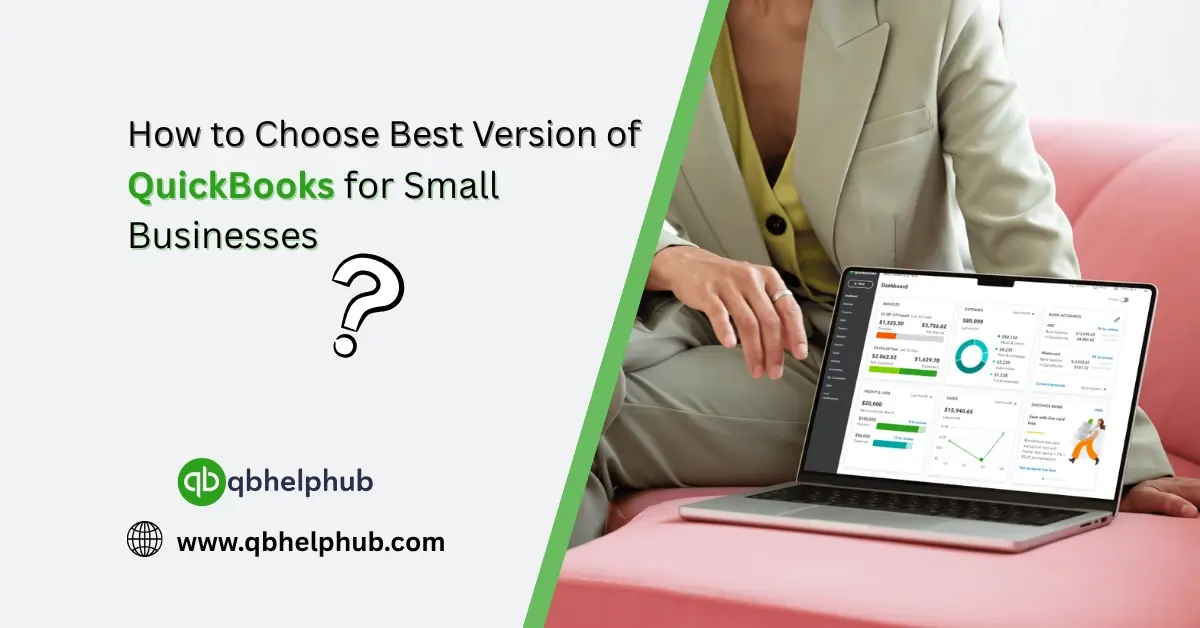
The biggest fork in the road is choosing between QuickBooks Online (QBO) and QuickBooks Desktop. Each has its strengths, and your choice might depend more on how you prefer to work than anything else.
- QuickBooks Online works through a web browser or mobile app. It’s great if you’re always on the move or have remote staff. It also updates automatically, so you don’t worry about installing software.
- QuickBooks Desktop, on the other hand, is installed directly on your computer. It’s known for its power, especially when it comes to detailed reports and complex inventory tracking. It works well if you’re mostly at one location.
So, if you want flexibility, QBO might be better. But if you need horsepower, Desktop might win.
Choosing Between QuickBooks Online Plans
If you decide QBO is the way to go, you’ll still have to choose from several plans:
- Simple Start – Good for solopreneurs or freelancers. You get invoicing, expense tracking, and basic reporting.
- Essentials – It helps with multi-user access and works well for service-based businesses.
- Plus – Adds inventory tracking and project profitability features. Great if you deal with stock or jobs.
- Advanced – Meant for growing companies. Offers analytics, custom workflows, and batch invoicing.
Tip: If you’re unsure, start with Essentials or Plus, those tend to fit most small businesses pretty well.
Options With QuickBooks Desktop
If you’re leaning toward Desktop, you’ll have three main editions to think about:
- Pro Plus – Aimed at small businesses with basic needs. It includes income and expense tracking, estimates, and invoicing.
- Premier Plus – Designed for niche industries like manufacturing, nonprofits, or contractors. It offers industry-specific reports and tools.
- Enterprise – Best for businesses managing large inventories, multiple users, or complex finances. It’s powerful but may be more than what you need.
Keep in mind: QuickBooks Desktop has shifted to a subscription model (no more one-time purchases). That means ongoing costs, even if you stick with a desktop version.
Consider Add-Ons Like Payroll or Payments
You may be comparing versions, but don’t forget the add-ons. These can make a big difference in how much time you save.
- Payroll integration is available in both Desktop and Online versions, but pricing and features vary. If you plan on using payroll, be sure to factor this into your decision.
- Payments let you accept credit cards and ACH transfers from clients. Very convenient, and sometimes, you’ll find these features are easier to use in Online.
Budget Matters, But Don’t Just Go by Price
Understandably, cost is a big concern for most small businesses. But don’t fall into the trap of picking the cheapest version and hoping it “works for now.”
Why? Because switching versions later can be a hassle, especially if your business grows and you suddenly need features your current version doesn’t offer.
That said, here’s a rough idea of costs:
- QBO plans range from around $30 to $200/month.
- Desktop starts at about $550/year for Pro Plus.
Check for promotions too, Intuit often runs discounts for new users.
Read Also: How To Take Control of Your Small Business Cash Flow?
Test Before You Commit
Still unsure? QuickBooks Online offers a free trial. Try it for a few weeks and see if it fits your workflow.
Desktop doesn’t usually come with a free trial, but some resellers offer return policies or demos. Either way, getting hands-on experience can help you avoid picking the wrong product.
Conclusion
Start by understanding what your business needs, then match those needs with the strengths of each version. Whether you want cloud-based convenience or desktop-level power, there’s a version out there that can simplify your finances and save you valuable time. Just be sure to think beyond the price tag, and choose the option that will still work for you a year or two down the line.
Get In Touch with Us
If you are interested to know more about QuickBooks and basic troubleshooting steps, we are here to help you through our dedicated customer service team. Fill out the customer response form or feel free to reach to us at support@qbhelphub.com Our highly competent team is here to solve all your queries regarding QuickBooks.