
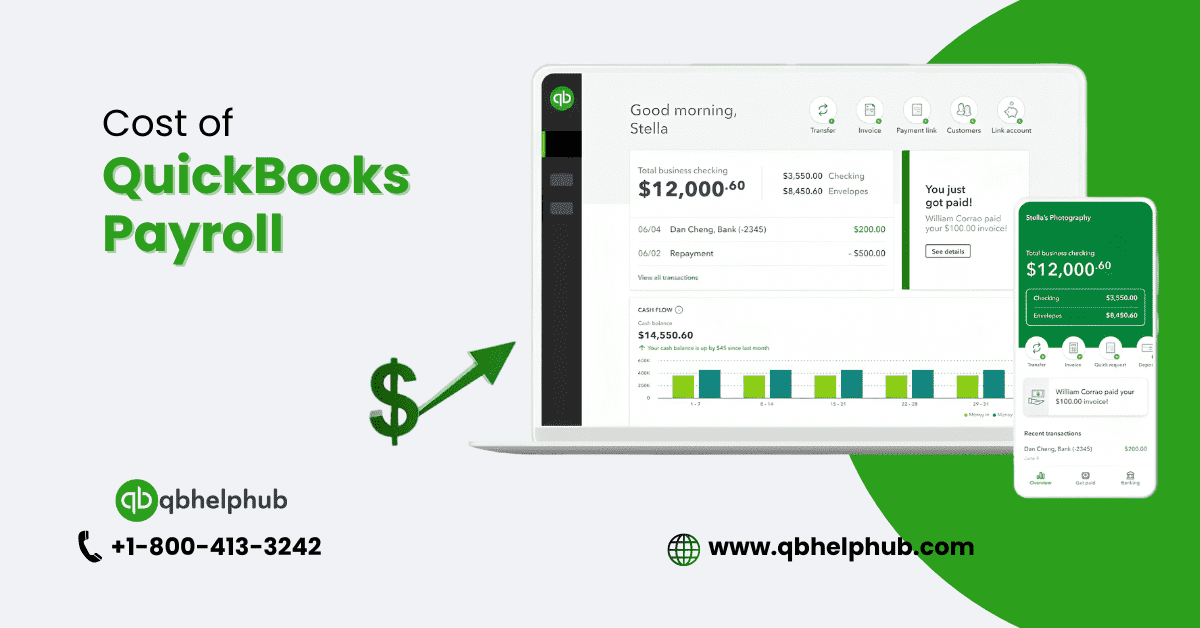
In today’s fast-paced business world, managing payroll can feel like juggling flaming torches. It’s crucial, time-consuming, and often a bit confusing. Enter QuickBooks Payroll, a tool designed to take the hassle out of payroll processing. But before you dive into this payroll solution, you might wonder: How much does it cost to use QuickBooks Payroll? Let’s break it down together.
Read also: What is Intuit QuickBooks Payroll Online?
What is QuickBooks Payroll?
QuickBooks Payroll is a cloud payroll software targeted at aiding businesses of any size in the effective processing of their staff’s pay. It automates calculations, handles tax deductions, and makes sure that employees are paid on time while keeping up with all federal and state compliance. Think of it as if you are having a personal assistant who is not only keeping track of the hours your employees work but will also alert you in respect to the tax deadlines so that you do not miss them. Sounds pretty convenient?
Why consider QuickBooks Payroll?
Are you running a business? You would understand how critical, yet complex, the payroll function is.
- QuickBooks simplifies this task with automated calculations that reduce errors and save time;
- Manages tax deductions to keep you compliant with tax laws;
- Direct deposit ensures your people are paid on time.
However, as with any service, it’s paramount to consider if the cost aligns with your business needs.
Understanding QuickBooks Payroll cost
The overall cost of QuickBooks Payroll will vary based on the plan you choose and the size of your business. In general, you can find three major pricing tiers: Basic, Enhanced, and Premium. With each tier, different features are available, and the higher the degree of service, the more expensive.
QuickBooks Payroll pricing plan
Here is what you can expect:
Basic Plan overview
The Basic Plan is designed for small businesses needing straightforward payroll services. It entails the following features:
- Automated Payroll Processing: Ensures timely and accurate payments.
- Direct Deposit: Employees can receive their wages electronically.
- Tax Calculations and Filings: Federal and state taxes are automatically calculated and filed.
Cost: This plan usually starts at $22 a month, plus another $2 per employee.
Enhanced Plan overview
The Enhanced Plan is for growing businesses needing advanced Quickbooks support. It includes everything from the Basic Plan, plus:
- Payroll Reports: Run payroll expense and employee earnings reports that are detailed in nature.
- Tax Penalty Protection: Coverage against any IRS penalties that may be due solely as a result of a QuickBooks error.
- Employee Self-Service Portal: Employees log in online to access pay stubs and W-2s.
Cost: The Enhanced Plan is typically about $38 per month, with a $2.50 fee per employee.
Read also: Can I use QuickBooks Online on different devices?
Premium Plan overview
The Premium Plan includes more advanced features for larger businesses or those that need them:
- Dedicated Payroll Specialist: Get a professional to help with personal, customized service.
- Garnishment Administration: Manage garnishments taken from employee wages.
- Advanced Reporting: More granular insights on payroll information.
Cost: About $80 per month plus $4 per employee.
Comparing QuickBooks Payroll costs
The choice of plans would, therefore, be based on your business needs. If you’re a small business with no payroll complications, then the Basic Plan should be enough. But if advanced features are required or your team is bigger, then for this reason it could be worth getting either the Enhanced or Premium Plans.
Additional costs and fees
In addition to base subscription fees, there are other charges that might be applicable:
- Setup Fees: There’s usually a one-time setup fee for most of the plans.
- Add-Ons: Features like extra payroll services or HR support are add-ons and could come with an additional price tag.
- Third-Party Integrations: Using other software or running parallel services to QuickBooks may include integration fees.
Discounts and promotions
QuickBooks often offers discounts and promotional rates to new customers. Visit their website or get in touch with their sales department to find out current offers. These types of promos can greatly lower your startup costs and give you a way to watch the software in action before you commit for a longer term.
How to choose the right plan
Choosing the right QuickBooks Payroll plan calls for reviewing your business in terms of size, complexity, and budget. Consider:
- Number of Employees: Larger teams may want to use the Enhanced or Premium Plans.
- Desired Features: Determine the features that will meet the needs of your firm.
- Budget Constraints: It should be such that it fits your budget and satisfies your needs.
Benefits of using QuickBooks Payroll
QuickBooks Payroll is designed to make your payroll process smoother with the following benefits:
- Efficiency: Automate payroll tasks that take up too much of your time.
- Accuracy: Lessen errors in payroll tax computations and payments.
- Compliance: Be current and in compliance by maintaining the changes in tax laws and regulations.
Common pitfalls to avoid
While using QuickBooks Payroll, lookout for:
- Beware of any extra costs that may be applicable.
- Regularly review payroll reports for accuracy.
- Failure to update software to new versions with features and security updates.
Customer reviews and feedback
QuickBooks Payroll has proven to be very useful to many users because it’s simple and has all-inclusive features. Others have pointed out that this application can run expensive—especially when opting for add-on services or features. Customer reviews will give you insight into whether the software caters to your business needs.
Final thoughts
In a nutshell, QuickBooks Payroll can be your lifesaver for managing payroll. You pay only what you need, based on the plan and add-ons you choose. Being sure about your needs in business, combined with being aware of your budget, allows you to make the right choice of which one would work best for your particular needs and help with payroll tasks.
Understanding QuickBooks payroll costs is essential for businesses, and your article does a great job of explaining the pricing structure. This is an excellent resource for budget planning!