
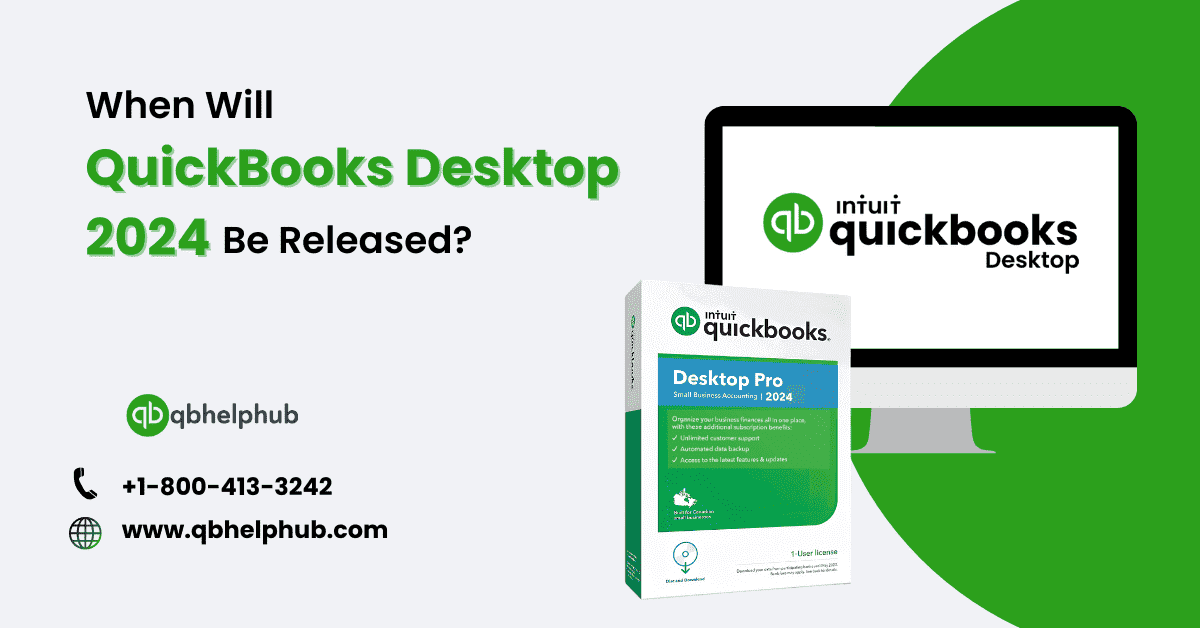
Waiting for something you eagerly wish to procure is hard. Well the wait for QuickBooks Desktop 2024 has been long over. In this post we’re going to delve into almost every important bit associated with the latest, new release of QuickBooks Desktop 2024—features, benefits, and how it’s going to help you make your financial processes much easier.
Read also: Should I get QuickBooks Desktop or Online?
What is QuickBooks Desktop?
QuickBooks Desktop is a financial management package tailored to meet the needs of small to medium-sized businesses by Intuit. This is very useful software to run your finances, invoices, payroll, inventory, and expenses. Contrary to the cloud version, QuickBooks Online, QuickBooks Desktop will be able to handle more heavy and feature-laden operations because it is directly installed on your computer.
History of QuickBooks Desktop releases
Knowing the history of QuickBooks Desktop releases can give us an idea about the release pattern of the new version. In general, Intuit releases a new version of QuickBooks Desktop during the fall season, which usually falls around September or October. This yearly release cycle helps users know the current trends and updates in QuickBooks software.
Release date of QuickBooks Desktop 2024
Intuit usually releases the new versions in the fall around September/October. Staying true to its nature, QuickBooks Desktop 2024 arrived in the market in September of 2023. The focus of this version is on enhanced data security, better inventory viewing and management, etc. Since its arrival, 7 updates have also been released, the latest one being on June 20, 2024. You can get all the information about these updates and QuickBooks 2024 on the official website of Intuit.
Features of QuickBooks Desktop 2024
You might be wondering what’s new in QuickBooks Desktop 2024? Here are several enhancements and functionalities:
- Improved User Interface: Much easier to use.
- Upgraded Performance: Faster processing speed, larger stability.
- Enhanced inventory management: 2024 version allows you better inventory view to manage it more effectively.
- Quick item list search: Finding items in your lists has never been easier.
- Category Management: QuickBooks 2024 allows you to manage your inventory by category.
- Advanced Reporting Tools: More customized, granular reports added to the suite.
- Third-party app integration: Integrate with popular business apps with a couple of clicks.
- Improved Security: Enhanced security features that ensure protection against any kind of damage or loss of financial data.
Benefits of upgrading to QuickBooks Desktop 2024
Upgrading to QuickBooks Desktop 2024 will make all the difference in your business:
- Faster Performance: Streamlined processes can save time.
- It provides better insight pertaining to the finance: Advanced reporting enables a better look at the state of finances.
- Improved security features to better safeguard sensitive information.
- Stay Current: Rest assured that you will have the latest features and improvements to keep your software up to date.
Read also: How to Login to QuickBooks Online?
How to prepare for the upgrade
These steps make for an easy changeover to QuickBooks Desktop 2024 on your way to upgrading:
- Backup your data: It ensures that all the data at the moment is safe. Upgrading might result in loss of data.
- Check System Requirements: Ensure that your computer matches the minimum system requirements for the new version.
- Downtime Planning: Schedule the upgrade implementation when traffic is at its lowest to ensure minimal disruptions.
- Review New Features: Be aware of the new features and improvements that are required to maintain the latest upgrade.
Comparing QuickBooks Desktop 2024 to previous versions
It’s good to compare the new version with its predecessors only then one can understand better the improvements:
- Enhanced reporting in QuickBooks Desktop 2023 and increased third-party integration.
- QuickBooks Desktop 2022 focused on performance improvements and additional security features necessary to grow the builds.
- QuickBooks Desktop 2021 added new tools to make invoices and many expanded inventory controls.
Pricing and subscription options
QuickBooks Desktop 2024 has retained almost the same pricing as previous versions, meaning one-time purchasing and subscription plans are available. Subscriptions are often more attractive to most businesses since they usually come with more features and better quickbooks support. Please note that the actual number can vary depending on any promotions that may be going on or on the specific edition that you will purchase. It is best to check the official website to get the correct number.
System requirements for QuickBooks Desktop 2024
Before upgrading, ensure that your computer matches the following suggested system requirements:
- OS: Windows 10 or above, macOS 10.15 or above.
- Processor — 2.4 GHz or better.
- RAM: 8 GB or more, recommended 16 GB.
- Hard Drive: 2.5 GB of free disk space must stay available; extra space is needed for data files.
- Internet Connection: Requirements include updates and online features.
Common issues and troubleshooting tips
Even with the best software, problems may arise. Here are some common problems and troubleshooting tips:
- Installation Errors: Customers should ensure that their system meets the requirements and follow the instructions that come with the installation.
- Performance Problems: Keep your software updated, your computer clean to avoid slowdowns.
- Data Synchronization Problems: Ensure the internet connectivity and search for updates to re-synchronize.
User reviews and expectations
User reviews and expectations can unveil a clear view of real-world software performance. In many cases, the strengths and weaknesses come out in early reviews, which help the intending users to make informed decisions. The general reviews till date point towards a very optimistic evaluation of the software highlighting its efficiency, flexibility and support.
How to get the most out of QuickBooks Desktop 2024
Maximize the benefits of QuickBooks Desktop 2024 by:
- Leverage Training Resources: Take on new features with the help of tutorials and webinars.
- Customize Your Setup: Tailor this software to fit your specific business.
- Update Regularly: Keep your software updated to use all the latest features and improvements.
Read also: How do I Login into an Intuit QuickBooks Account?
Conclusion
Many businesses have upgraded to QuickBooks Desktop 2024 since its launch. There are many more new enhancements and upgrades in QuickBooks Desktop 2024 itself on top of which there are frequent upgrades released by Intuit that further aid in managing your finances. Keep watching for more updates from Intuit and get ready to take your business to a whole new level with the help of QuickBooks Desktop 2024.


QB Help Hub provided timely updates on the release date for QuickBooks Desktop 2024. Their information helped us plan for the upgrade and stay current with the latest features and improvements.
QB Help Hub kept us updated on the release schedule for QuickBooks Desktop 2024. Their timely information ensured we were prepared for the new version’s launch.
Exciting news for QuickBooks Desktop users! QB Help Hub provides excellent support for QuickBooks. Can’t wait for the 2024 release—QB Help Hub is always on top of updates and offers fantastic guidance. Their service is top-notch, making every upgrade smooth and stress-free!
Many users are curious about the release date of QuickBooks Desktop 2024, and your article provides clear and accurate information. Thanks for keeping QuickBooks users informed with your detailed content!
QB Help Hub kept us informed about the release date for QuickBooks Desktop 2024. Their timely updates and support helped us plan our upgrade effectively and stay current with the latest software.
Hi Amelia!
Thank you for your wonderful feedback! We’re so glad to hear that QB Help Hub kept you informed about the release date for QuickBooks Desktop 2024. It’s great to know our updates and support helped you plan your upgrade effectively. If you have any more questions or need assistance in the future, feel free to reach out. We’re here to help!