
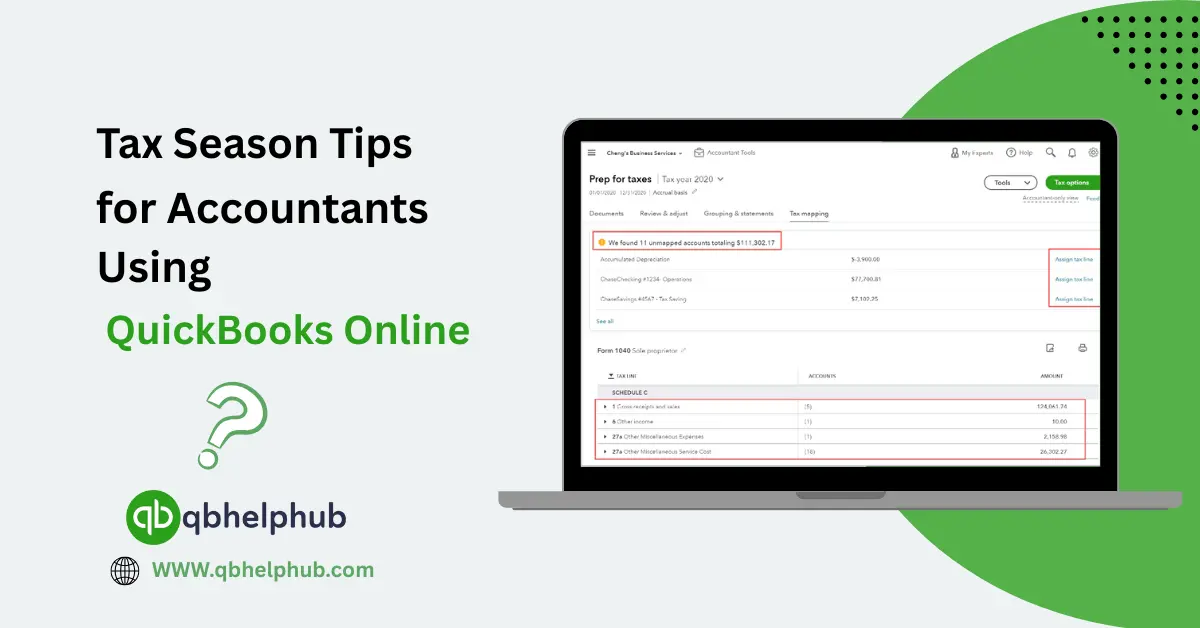
Tax season is busy and hectic for everyone but for accountants, it is a time of deadlines, forms, and long hours. QuickBooks Online (QBO) can make the work easier, but only if your file is tidy and your process is solid. With the help of QuickBooks Online, you can easily stay ahead of time and stay stress free during tax season. Through this guide, let us walk through some easy steps you can use to get ready, stay calm, and get clients filed on time.
Read Also: 7 Best Practices to Follow in QuickBooks Online for Better Accounting
Start Early and Make a Plan
Start before tax season hits hard, set a timeline and share it with clients. Ask early for key documents like bank statements, payroll reports, 1099s, receipts, and loan documents. Make a simple checklist for each client and mark what is missing. A clear plan cuts down last-minute rushes.
Use a shared folder or client portal, this keeps all documents in one place. Tell clients exactly what format to send whether PDFs or emailed statements work well with them. Encourage electronic documents rather than photos. This is because electronic files save time and prevent lost pages.
Clean up the Books First
A messy QuickBooks file slows everything down so before running tax reports, do a quick cleanup. Reconcile bank and credit card accounts up to the end of the tax year. Fix any obvious errors and also try to look for duplicate transactions and deleted entries.
Check uncleared transactions and if an item is old and not real, investigate it. Match payments to invoices, where clients used cash, ask for notes or receipts. Don’t guess on amounts and if you must estimate, make a clear note and flag it for later correction. Run a trial balance and scan for odd balances in asset, liability, and equity accounts. Resolve anything that looks off before you export tax reports.
Reconcile Payroll and Tax Liabilities
Payroll is a common source of trouble so make sure payroll is entered and reconciled for the full year. Verify payroll tax liabilities and confirm amounts withheld and paid to tax agencies. If your client uses an external payroll provider, get year-end payroll reports from that provider.
Compare them with the payroll entries in QuickBooks and make adjustments where needed. For small employers, check that contractor payments are tracked for 1099 reporting. Use QBO’s 1099 tools to prepare forms and confirm contractor information and TINs early.
Use the Right Reports
QuickBooks Online offers many reports. Use the ones that matter most for tax prep. The Profit & Loss and Balance Sheet are basics. You will also need the General Ledger and Trial Balance. For payroll, use payroll summary and tax liability reports. Run these reports for the tax year and save them as PDFs. Keep a copy in the client folder, this makes review and sign-off easier later. If an accountant needs to explain a number, the PDF report is a quick reference.
Read Also: QuickBooks Enterprise vs. AccountEdge Best Accounting Software for CPA Firms
Tag and Categorize Carefully
Correct categorization reduces tax work later. Make sure expenses are in the right accounts. For example, separate travel from meals. Meals are only partly deductible in many cases. Tag capital expenses that may need depreciation.
Use classes and locations when you need them. They help split income and expense by division or project. This is handy when clients have multiple lines of business. If clients have unusual expenses, add small notes for personal use. A short memo on a transaction goes a long way when reviewing later.
Review Fixed Assets and Depreciation
Ask clients about new equipment purchases then record them correctly. Move capital purchases to fixed asset accounts and set up depreciation. QuickBooks has tools and integration options for depreciation schedules. You can also export asset lists to a depreciation worksheet. Don’t forget dispositions and if a client sold or disposed of an asset, record the sale accurately. Keep a track because missing disposals can disturb gain or loss calculations.
Make Year-End Adjusting Entries
Some entries belong at year-end, these include accruals, prepaid expense changes, and bad debt write-offs. Talk with your clients about any expenses that relate to the tax year but were paid in the next year. Make clear and dated journal entries for these adjustments. Document why each entry was made as this helps later if questions arise. When in doubt, be conservative and note the entry for every client approval.
Use Tax Categories and Tags for Clarity
QuickBooks Online allows custom tags and tax categories. Use them to mark deductible items or other tax-sensitive entries. Tags make it easy to pull a group of transactions for review. This is especially helpful for mileage, meals, or charitable donations. When you close the books for the year, lock the period in QuickBooks. This prevents accidental changes after tax reports are final.
Communicate Regularly with Clients
Clear communication saves time so send a clear list of documents needed and explain deadlines. Offer a drop-dead date for receiving records. Explain the consequences of late submissions. You will find many clients respond better to short, friendly reminders than to long emails. Be transparent about fees and extra work. If a client brings a messy file last minute, let them know the extra time and cost. Set expectations early so you don’t get overloaded later.
Secure Data and Backups
Tax season means dealing with sensitive data and information. Use strong passwords and two-factor authentication on QuickBooks accounts. Limit access to only the staff who need it. Regularly review user permissions and audit logs. Download copies of year-end reports and keep them in secure storage. Use client portals or encrypted cloud storage for client files. Make sure backups are organized and labelled clearly with the tax year.
Plan for Estimated Taxes and Extensions
For clients who owe taxes, plan for payments. Check estimated tax payments already made. If a client needs an extension, file Form 4868 for individuals or the correct extension form for business entities. Explain that an extension to file is not an extension to pay. Estimate taxes due and suggest a payment plan. If you expect a refund, note any carryovers or credits that might affect future returns. Document anything that needs to be balanced up next year.
Review Common Problem Areas
Watch for large, unexplained cash deposits or personal expenses paid from business accounts. You should also keep a check at missing cost of goods sold details and unreconciled clearing accounts or large entries near year-end. These items deserve a phone call or meeting with the client and need to be addressed. If a client has inventory, verify counts if possible. Inventory mistakes change gross profit and tax calculations.
Read Also: How to Set Up QuickBooks Web Connect? Simple Guide for Beginners
Final Review and Sign-Off
Before filing, do a final review and compare the tax return numbers to QBO reports. Reconcile any differences or ask the client to sign off on adjustments and final reports. Keep a signed engagement letter and final checklist in the client file. Also, file returns electronically whenever possible. Keep copies and confirmation numbers. Store them with year-end PDFs and backup files.
To Conclude
Tax season will always be busy so a good preparation and clean bookkeeping can change everything. QuickBooks Online is a strong tool if you use it well to it potential. Start early, keep files tidy, communicate clearly, and combine technology with simple processes. These small steps help save big problems later during the tax season.
Get in Touch with Us
If you are interested to know more about QuickBooks Online and basic quick fixes, we are here to help you through our dedicated customer service team. Fill out the customer response form or feel free to reach to us at support@qbhelphub.com Our highly competent team is here to solve all your queries regarding QuickBooks.
FAQs (Frequently Asked Questions)