
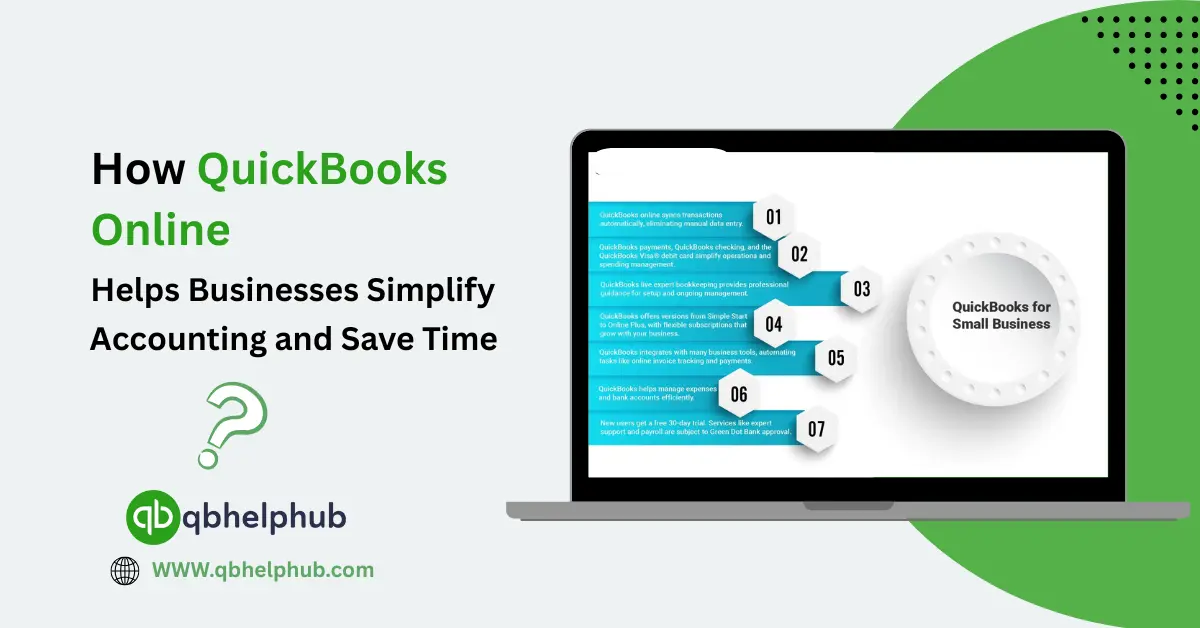
Most small business owners do not start a company just to spend hours balancing spreadsheets. They start the company to sell, to serve and to build something good. Yet bookkeeping often steals time and energy from those goals so QuickBooks Online exists to change that. It is a cloud-based accounting tool that brings many bookkeeping tasks into one place. For a lot of businesses this means fewer manual steps, less guesswork, and more time to focus on what matters. Through this blog, let us closely look at some of the ways QuickBooks Online helps to save time and make accounting easier for business owners.
Read Also: QuickBooks Enterprise vs. Spire Systems Which Accounting Platform Works Best for Your Firm?
Automatic Bank Connections for Effortless Tracking
QuickBooks Online connects to bank and card accounts so transactions flow in automatically. Instead of downloading a file and typing amounts by hand, the software pulls new transactions into a bank feed. That single change alone cuts hours each month for many owners. The feed shows what money came in and what went out. When set up right, QuickBooks can match many bank transactions to invoices, bills, or expense entries by itself. This reduces the pile of uncategorized items and makes monthly reconciliation feel easy.
Saving Time Through Automation
Another big-time saver is automation. QuickBooks Online has tools for recurring transactions, bank rules, and automatic categorization. If a rent payment, subscription fee, or monthly transfer happens every month, the software can be set to record it automatically. Bank rules let you tell QuickBooks how to classify transactions based on the payee. It can also classify based on amount range, or memo text. Over time, as rules work and recurring items run, bookkeeping becomes a matter of review. It is easier to do rather than manual entry. That reduces errors and frees small teams from repetitive work.
Faster Invoicing and Payment Processing
Invoicing and payments are another place where QuickBooks Online saves time. Creating an invoice is quick: pick the customer, add the items or services, and send. QuickBooks also integrates payments so customers can pay online directly from the invoice. When invoices are paid this way, the payments match back to your books automatically. That means no extra step to mark invoices paid, no guessing which payment belongs where. All this makes sure there is smoother and faster cash flow. QuickBooks Payments and its invoicing features have seen strong updates. This makes it even smoother for users who need recurring billing or better payment flows.
AI Tools That Make Bookkeeping Easier
One especially helpful addition lately is the rise of AI-powered helpers inside QuickBooks. These tools can do things like read a snapped receipt and turn it into an expense line. They can also suggest categories for income and costs and other expenses. AI tools can even generate a draft invoice from a short description. For small firm owners who are short on bookkeeping experiences, these AI tools act like a quick tutor. They speed up simple tasks and reduce the time people spend learning where things should go. Intuit has rolled out AI agents and assistant tools that aim to cut busywork. This gives owners more time to grow their business.
Easier Collaboration in the Cloud
Collaboration is much easier with the cloud services. QB Online works on the internet, so multiple people can use it from different places. An owner at a coffee shop, an accountant at an office, and a bookkeeper at home can all see the same live numbers. That means fewer file copies, fewer version problems, and faster answers to questions about cash or invoices. It is also good for businesses that work with remote teams or external accountants. So, that shared access is a major time-saver and reduces back-and-forth email chains.
Instant Access to Key Reports
Reports that used to take hours to pull together are now a few clicks away. Profit and loss, cash flow are standard reports that QuickBooks can generate instantly. Owners don’t need to look for separate spreadsheets or second-guess totals. Being able to run up-to-date reports in seconds helps with quicker decisions. It helps one decide when to hire, when to buy inventory, or whether to delay a non-essential expense. The software also offers dashboards that show key business signals at a glance. This keeps owners from getting lost in the detail when they need a fast read.
Read Also: 6 Key Benefits of QuickBooks Online and Why Businesses Prefer It
Managing Finances on the Go
Mobile access is another practical advantage. When you’re out meeting clients or running errands, you can still capture expenses, send a quick invoice. One can even check bank balances using a smartphone app. If you get a receipt handed to you, snapping a photo in the mobile app can save it directly to the books. You can later attach it to an expense entry. Small tasks like this add up. Rather than stuffing receipts into a drawer for later, you can handle them in the moment and avoid a large reconciliation at month’s end.
Simplified Bank Reconciliation
Reconciliation is easier with QuickBooks as the system suggests matches and highlights differences. Instead of scanning every line, you verify a small set of flagged items and confirm that the ending balance matches your bank statement. For many small firms this cuts reconciliation time by half or more. As the system learns your common entries, fewer items remain unmatched. So that reconciliation moves from a lengthy list-checking task to a quick review.
Integrated Payroll and Tax Management
Payroll and tax connections also reduce busywork. QuickBooks offers payroll services that integrate with the accounting side. When payroll runs, wages and related taxes post to the right accounts automatically. That avoids copying numbers between systems and lowers the chance of payroll being entered incorrectly. A connected payroll workflow also helps keeps to payroll taxes organized. This easy integration of payrolls simplifies the year-end reporting.
App Integrations for a Connected Workflow
QuickBooks Online connects to many apps too. If you use a point-of-sale system, a time-tracking tool, or inventory software, chances are there’s an integration that moves data into QuickBooks without double entry. This ecosystem approach means workflows stay connected. For example, hours logged in a time app can become billable items on an invoice automatically. Sales from an online shop can flow straight into the ledger. When the pieces talk to each other, less time is spent moving data between tools.
Expert Help When You Need It
For companies that want a safety net or extra help, QB offers bookkeeping and expert services. These options let business owners assign latest accounting tasks to trained professionals. Business owners can do that while still keeping control and visibility. That can be a good choice for owners who prefer to focus on sales or operations but still want accurate books and timely reports.
Best Practices to Get the Most Out of QuickBooks
There are a few best practices that help QuickBooks work faster for you. Start by connecting your bank and card accounts right away. Then set up simple bank rules for payments you see often. Create recurring templates for monthly invoices or bills. Keep a habit of snapping receipts as you get them. And review the suggested matches in the bank feed regularly so the system learns from your choices. These habits reduce the time you spend cleaning up the books later.
The Importance of Human Oversight
Let’s be real, automation reduces work, but it does not replace judgment. You still need to check once in a while for duplicate entries. You still need to see for odd vendor names that need correction, or for unusual transactions that require a human call. As with any tool, a little ongoing attention keeps QuickBooks accurate and lowers mistakes.
Moving from Desktop to the Cloud
If you are considering a move from desktop software to QuickBooks Online, cloud services will benefit you. The cloud has automatic updates, anywhere access, integrations, and simpler collaboration. Many businesses find they can cut the time they spend on bookkeeping each month and feel more confident about their finances as a result. Comparison guides and product pages from QuickBooks point to Online’s ease of use and automation. Many independent reviewers say that moving from desktop to clouds has major time-saving benefits.
To Conclude
In short, QuickBooks Online simplifies accounting by pulling transactions into one place. It also automates routine entries, speeding up invoicing and payments, and giving clear reports in seconds. It helps teams work together and lets owners handle small tasks on the go. Used well, it turns bookkeeping from an endless backlog into a tidy, manageable process. This way it gives business owners many free hours in their week.
Read Also: Step-by-Step Guide to Fix QuickBooks Update Error 12007
Get in Touch with Us
If you are interested to know more about QuickBooks Online and basic quick fixes, we are here to help you through our dedicated customer service team. Fill out the customer response form or feel free to reach to us at support@qbhelphub.com Our highly competent team is here to solve all your queries regarding QuickBooks.
FAQs (Frequently Asked Questions)