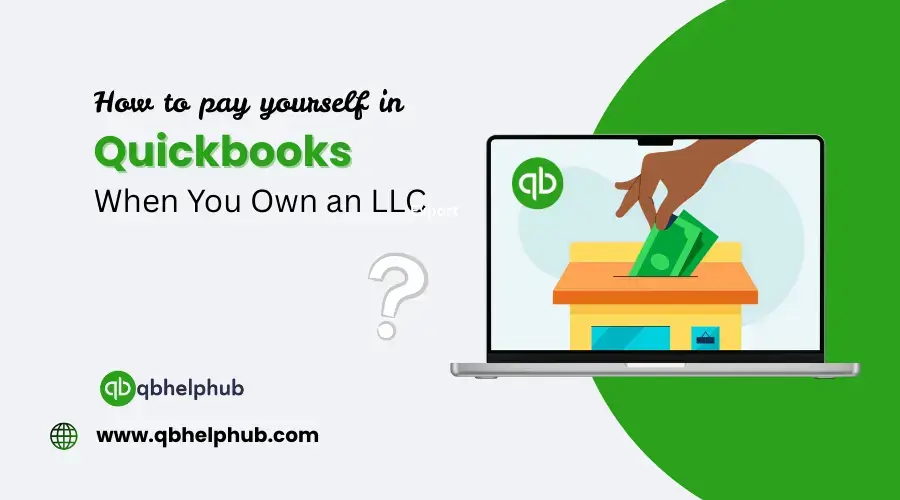
Paying yourself when you own an LLC might sound simple, but when it comes to recording it properly in QuickBooks, things can get a little confusing. Are you supposed to write yourself a pay check? Do you treat it like an expense? What if you’re a single-member LLC? If you’ve been wondering how to do this the right way, you’re not alone. Let’s walk through it in easy language so you understand how to pay yourself correctly, and how to record it properly inside QuickBooks without messing up your books.
Read Also: How to Export Data from QuickBooks Online?
First, Know What Kind of LLC You Have
Before you do anything in QuickBooks, take a step back and figure out how your LLC is taxed. This is important, because how you pay yourself depends on it.
There are three common setups:
- Single-member LLC (default) – treated as a sole proprietorship
- Multi-member LLC – treated like a partnership
- LLC taxed as an S Corp or C Corp – taxed like a corporation
If you haven’t filed any special forms with the IRS, your LLC is most likely treated as a sole proprietorship (if it’s just you) or a partnership (if you have a co-owner). That makes a big difference in how you pay yourself, and how it’s recorded in QuickBooks.
If You Have a Multi-Member LLC
If there’s more than one owner, each member takes a draw based on their ownership percentage (or however you’ve agreed in your operating agreement).
You’d still record it the same basic way, just under each owner’s individual equity account.
Example:
- Owner A has 60%
- Owner B has 40%
In QuickBooks, set up two separate equity accounts: Owner A Equity and Owner B Equity, and record draws under the right name.
Same process:
- Go to Transfer or Journal Entry
- Use the correct owner’s account
- Save the transfer
It’s important to keep draws separated so your books reflect who’s getting what. If you ever bring in an accountant, they’ll thank you for keeping it clean.
What If You Elected S Corporation Tax Status?
Now things shift a little. If your LLC is taxed as an S Corp, you’re considered an employee of the company, even if you own it.
That means:
- You need to run payroll
- You need to withhold taxes
- You must pay yourself a reasonable salary
QuickBooks has a payroll feature (QuickBooks Payroll) that makes this easier. You can set up yourself as an employee and run payroll like you would for anyone else.
Steps (QuickBooks with Payroll):
- Add yourself as an employee
- Set a salary or hourly rate
- Run payroll as normal (you’ll need to pay payroll taxes)
- The salary is recorded as a business expense
This setup is more work, but it has tax advantages. Many S Corp owners also take additional money as dividends or distributions, but that’s separate from payroll and has its own rules.
What Not to Do
A few quick “don’ts” to keep you out of trouble:
- Don’t use your personal account to pay business bills (unless it’s an emergency, then reimburse yourself properly)
- Don’t categorize owner’s draws as “Salary” or “Wages” if you’re a sole proprietor or regular LLC, it messes up your tax reports
- Don’t forget to keep records, even if it’s your own money, always track draws properly
You want clean books. The IRS wants clean books. Your future accountant definitely wants clean books.
Read Also: How to Check if Your QuickBooks Backup Was Successful
Keep It Simple and Stay Consistent
The biggest favour you can do for yourself is to develop a simple system, and stick to it. Whether you’re drawing once a month, every two weeks, or just when cash flow allows, always record it the same way in QuickBooks.
Set up the right equity account(s) from the start, and use consistent descriptions or memos. That way, you’ll always know where the money went and why.
Conclusion
Paying yourself as an LLC owner doesn’t have to be complicated, but it does depend on how your business is structured. Most single-member LLCs just take an owner’s draw and record it properly in QuickBooks. Multi-member LLCs follow a similar approach, just with separate equity accounts. If you’re an S Corp, payroll becomes part of the picture. No matter which setup you use, keeping your records accurate and organized in QuickBooks makes life much easier, especially when tax time rolls around.
Get In Touch with Us
If you are interested to know more about QuickBooks and basic troubleshooting steps, we are here to help you through our dedicated customer service team. Fill out the customer response form or feel free to reach to us at support@qbsolved.com Our highly competent team is here to solve all your queries regarding QuickBooks.
FAQs (Frequently Asked Questions)