When you’re trying to get a better grip on your business finances, QuickBooks Online gives you plenty of tools to work with, but one feature that tends to fly under the radar is called Targets. While not everyone knows they exist, Targets can seriously sharpen how you track goals and measure success within your company. Let’s break down what Targets are in QuickBooks Online, how they work, and how to actually use them to get insights that matter.
1. Understanding What Targets Really Mean in QuickBooks Online
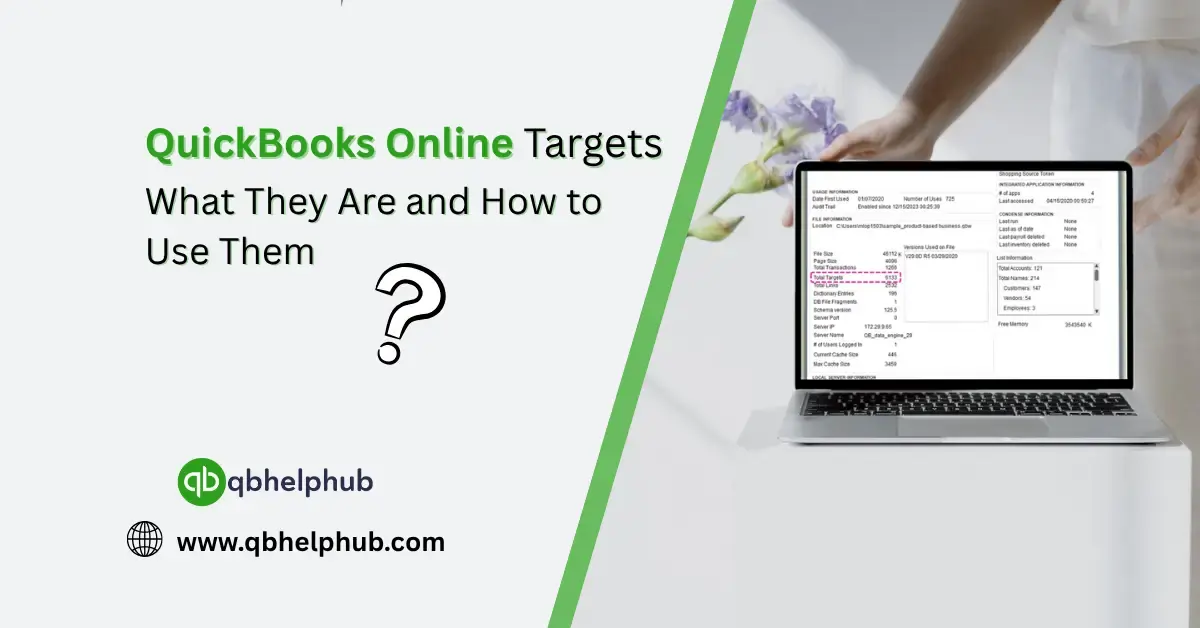
First off, QuickBooks doesn’t have a flashy “Targets” tab or big shiny button that says “Set Targets Here.” Instead, it weaves this functionality into budgeting, reporting, and planning features. Essentially, when people talk about Targets in QuickBooks, they usually mean setting financial goals, like sales targets, expense limits, or budget milestones, and tracking progress against them.
Think of Targets as your benchmarks. You set the numbers, and QuickBooks helps you keep an eye on whether you’re getting close, falling short, or hopefully blowing past them.
Read Also: How to Login to QuickBooks Online?
2. How to Create Targets in QuickBooks Online
Let’s walk through a basic setup.
Step 1: Head into Budgets
- Click the Gear icon in the upper right.
- Choose Budgeting under Tools.
- Hit Add budget.
From here, you can create a budget for income, expenses, or specific categories, monthly, quarterly, yearly. This becomes your “target.”
Step 2: Customize Your Budget
Give it a name you’ll recognize, something like “2025 Sales Targets” or “Q1 Expense Limits.”
Choose the fiscal year, interval (monthly is common), and whether you want it to apply to a specific customer, class, or location. That’s helpful if you’ve got different departments or product lines.
Step 3: Add Your Target Figures
Now comes the planning part. Plug in what you want to hit. Not what you’ve done in the past, what you’re aiming for. Use previous reports if you need a starting point, but don’t be afraid to stretch a little.
Step 4: Save and Track
Once your budget is in, QuickBooks lets you run budget vs. actual reports. This is where the real magic happens.
Read Also: How to Add a Pay Type in QuickBooks Online
3. Making It More Visual: Reports and Dashboards
Run a Budget vs. Actual report to see where you’re landing compared to where you hoped you’d be. These reports make it easy to spot trends, overspending, or missed opportunities.
Here’s a quick tip: save your favourite reports and schedule them to email you weekly or monthly. That way, you’re not constantly logging in just to see how things are going. Let the system remind you.
4. Can You Set Targets for Non-Financial Metrics?
This part’s a bit of a grey area. QuickBooks is all about numbers, money in, money out, so if your targets are more about customer satisfaction, project delivery times, or internal goals, you’ll need to supplement with outside tools or spreadsheets.
That said, if your goals have a dollar value attached, like increasing revenue from a certain customer or reducing a particular type of expense, you can track that right inside QuickBooks.
5. Common Mistakes to Avoid When Using Targets
It’s easy to fall into a few traps with targets. Watch out for these:
- Being too vague: “Spend less” isn’t a goal. “Cut marketing spend by 10%” is.
- Setting and forgetting: If you’re not checking your progress, the targets lose their power.
Also, don’t beat yourself up if you miss a target. It happens. Use it as data to tweak your plan and move forward.
6. Integrating Targets into Your Day-to-Day Workflow
You don’t need to overhaul your entire business to use targets effectively. Start small. Maybe you set a monthly sales goal for one product line or a weekly cap on office expenses. Review them during your regular check-ins, maybe a Friday afternoon glance at your dashboard. And the more consistently you review your progress, the easier it becomes to pivot before small issues turn into big problems.
Read Also: What Types of Businesses Can Use QuickBooks Online?
Conclusion
While QuickBooks Online doesn’t have a one-click “Targets” feature, it offers plenty of ways to build, manage, and track your financial goals through smart budgeting and reporting. By setting realistic goals and checking in on them regularly, you’ll be steering your business with way more confidence. Targets give you direction. They help you focus. And in a tool like QuickBooks Online, they’re not just helpful, they’re essential. So, whether you’re just starting out or deep into scaling your business, take the time to define where you’re heading.
Get In Touch with Us
If you are interested to know more about QuickBooks and basic troubleshooting steps, we are here to help you through our dedicated customer service team. Fill out the customer response form or feel free to reach to us at support@qbhelphub.com Our highly competent team is here to solve all your queries regarding QuickBooks.