
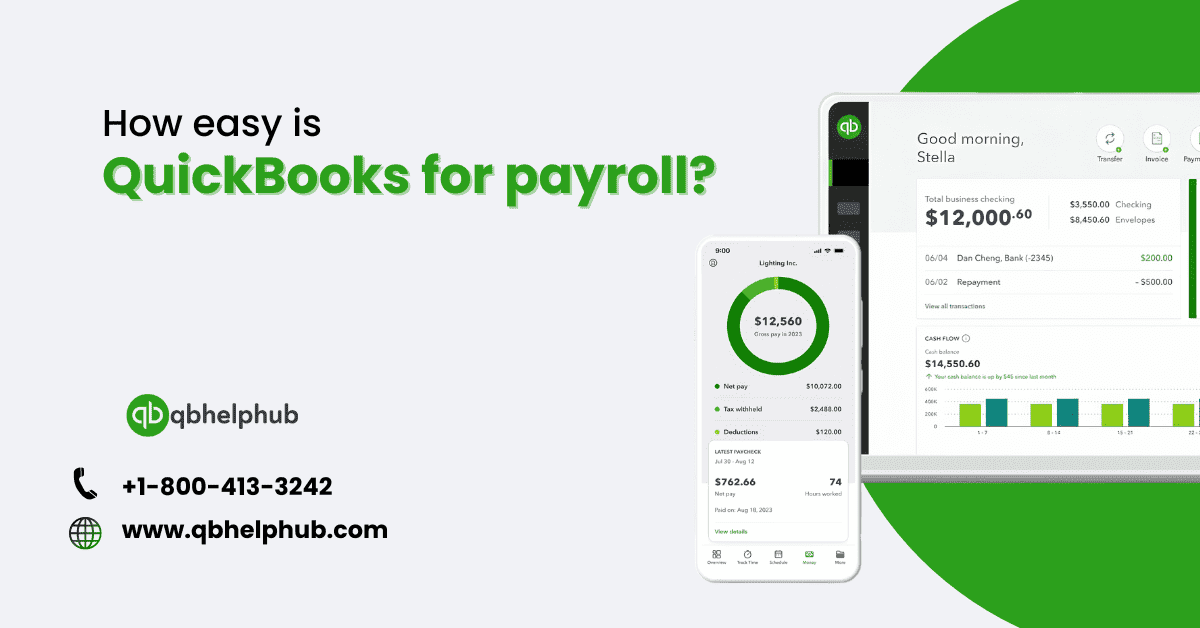
Payroll management can feel a lot like navigating a maze. What if you could make it easier with a tool? QuickBooks, an extremely popular accounting software vows to iron out payroll tasks into ones that are smooth and easily manageable. Exactly how easy is QuickBooks in terms of payroll? Let’s dive into this topic and see how this software can lighten your payroll burden.
What is QuickBooks Payroll?
QuickBooks payroll refers to the feature of QuickBooks accounting software that helps to manage different payroll tasks. It handles everything from figuring out the wages of the employee to managing the withholdings. Think of it as your digital payroll assistant to be sure you never miss a beat when it comes to paying your workers.
Why choose QuickBooks for Payroll?
Accuracy and efficiency in payroll are critical. QuickBooks leads the charts because it provides automated calculations and easily integrates with the existing QuickBooks accounting software. This would mean not sitting with a calculator or worrying about number crunching; those margins of errors can take not only time, but big money as well.
Setting up QuickBooks Payroll
Getting started with QuickBooks Payroll is not at all difficult. You are going to log in by providing the necessary information about your business and then select a payroll plan that best suits you. This is very important in the primary stages, as it sets up the foundation needed for the smooth running of payroll processing.
Navigating the QuickBooks dashboard
The contents of the QuickBooks dashboard are actually quite clear, plain, and convenient for moving toward the payroll. Think of it as the central hub; whatever you would need concerning payroll is just a click away. As for the running of the payroll, the tax information, or marking the report you have to review, the dashboard makes all of these quite simple.
Payroll setup: A step by step guide
- Company Info: Fill in the company details, such as the firm’s name, address, and tax ID numbers. This information is very essential and much needed to generate an error-free payroll and to calculate the correct taxes.
- Setup Payroll Settings: This may include setting pay schedules, overtime rules, deduction preferences, etc. This, in short, will ensure customization so that your payroll actually mirrors your company policies.
- Add Employees: Enter the employee’s details. You can set up the direct deposit option if some or all of your employees prefer this method.
Adding employees
Actually, putting in employees on QuickBooks is quite simple. You can enter them directly, or copy from other files and documents that you might already have. For example, the social number of any employee, the tax that is withheld, and the benefits/ deductions that the employee is entitled to are recorded within the employee’s record. The purpose of such data is to contribute to creating the payroll in the capacity your company requires it.
Read also: What is Intuit QuickBooks Payroll Online?
Running payroll: The basics
Running payroll in QuickBooks is quite easy. Here are the steps:
- Select Pay Period: Enter the appropriate pay period and date of payroll run.
- Review Hours Worked: If your employees are hourly, you will need to review their hours worked. Ensure proper calculation of the work hours of your employees.
- Approve Payroll: Once you have checked everything, approve the payroll for processing of payments and generation of paychecks.
Managing taxes and deductions
This QuickBooks Payroll would provide easy management of taxes and deductions. Federal and state taxes, Social Security, and Medicare contributions are automatically figured out in QuickBooks payroll. You will also be able to add other custom deductions, such as retirement or health insurance premiums. This way, you avoid errors and ensure compliance with tax law.
Generating payroll reports
QuickBooks has quite a number of payroll related reports so that you can easily understand your payroll costs. It allows you to develop reports on wages, taxes, as well as extended benefits. It also assists a business in budget planning while at the same time assisting in ensuring that their payroll practice is correct according to the laws and guidelines that are in place.
Integration with other tools
Conversely, QuickBooks is well known for the integration functionality as one of their main advantages. From selecting any accounting package or a time management software or any other business solution, QuickBooks integrates with all. The integration of all these platforms will help in creating uniformity of the payroll data and therefore saves time in addition to less opportunities for mistakes.
Handling payroll issues
Even with the best tool, like QuickBooks, a number of issues can arise at times. Anticipated issues include incorrectly calculated taxes or payroll processed incorrectly. QuickBooks offers troubleshooting guides and support resources for such to ensure that you’re able to quickly resolve these problems.
Cost of QuickBooks payroll
QuickBooks Payroll shifts and prices change depending on your plan or the size of your business. QuickBooks is in the market with several price options. These prices range from basic payroll services, to extra functionalities with additional characteristics. Despite perhaps the notion that you are spending much on it, the time and accuracy advantages practically make up for the cost.
Customer support and resources
QuickBooks has a very good Quickbooks customer support system, with a phone, chat, and email system at one’s disposal. Not to mention the online resources to assist in tutorials for dealing with any question or problem that may arise in the course of payroll. It is built to help you get the best out of using QuickBooks Payroll.
Comparing QuickBooks to other payroll solutions
Compared to other solutions, ease of use and integration capabilities really help QuickBooks Payroll stand out from the rest. While a few other tools might offer similar tools or services, the holistic approach QuickBooks takes to this makes its user-friendly interface one most businesses would rather use.
Read also: Is QuickBooks Online better than a Desktop?
Final thoughts
In essence, QuickBooks Payroll is designed as an efficient means of managing payroll, thus it can be implied that QuickBooks Payroll is an innovative system of payroll management. This platform is another objective, one of the best spots in the management of the payroll as it has an instinctual interface, automated aspects, and integration possibilities. QuickBooks now provides service for everything related to your financial obligations as an organization, ranging from a small business to a large corporation.


QuickBooks for payroll management is a great choice, and your article does an excellent job of explaining why. The way you present information makes it easy for business owners to make informed decisions!