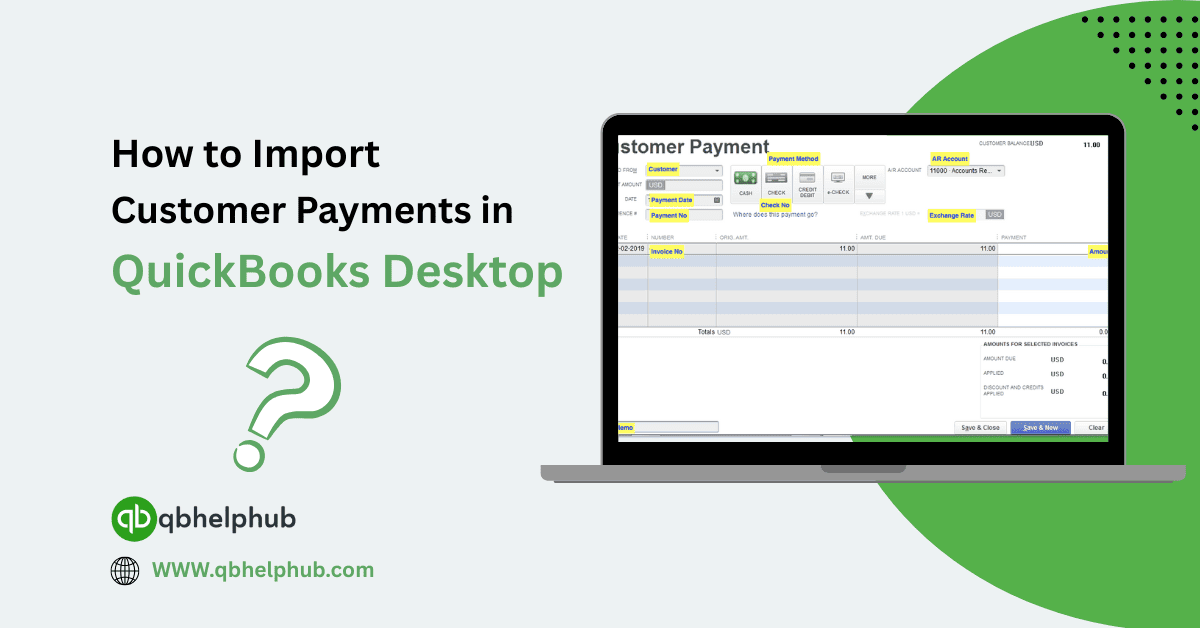
How to Import Customer Payments in QuickBooks Desktop?
Managing your incoming payments can feel like a lot of work, especially when they start piling up. If you’re dealing with large volumes of customer payments, entering them manually one…

Managing your incoming payments can feel like a lot of work, especially when they start piling up. If you’re dealing with large volumes of customer payments, entering them manually one…

If you run a small business and use QuickBooks for invoicing or sales, then you’ve probably noticed credit card fees sneaking up on you. At first, they seem small, just…
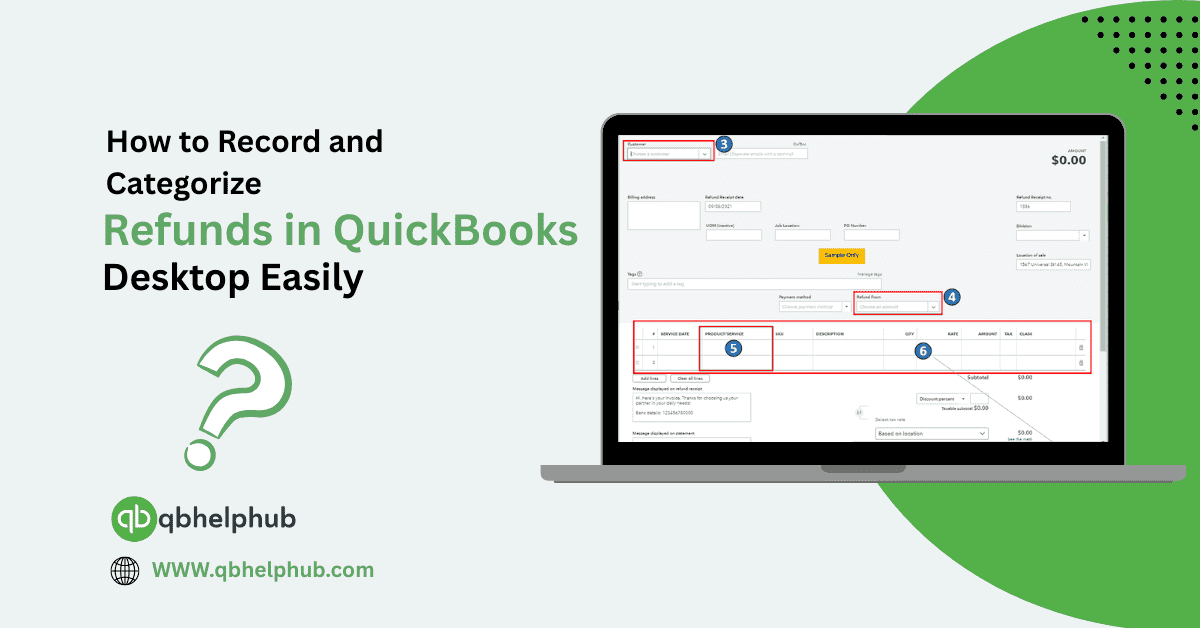
Sometimes in business, refunds happen. Maybe a customer returns a product, or you get a credit from a vendor. Either way, QuickBooks Desktop has tools that let you track and…
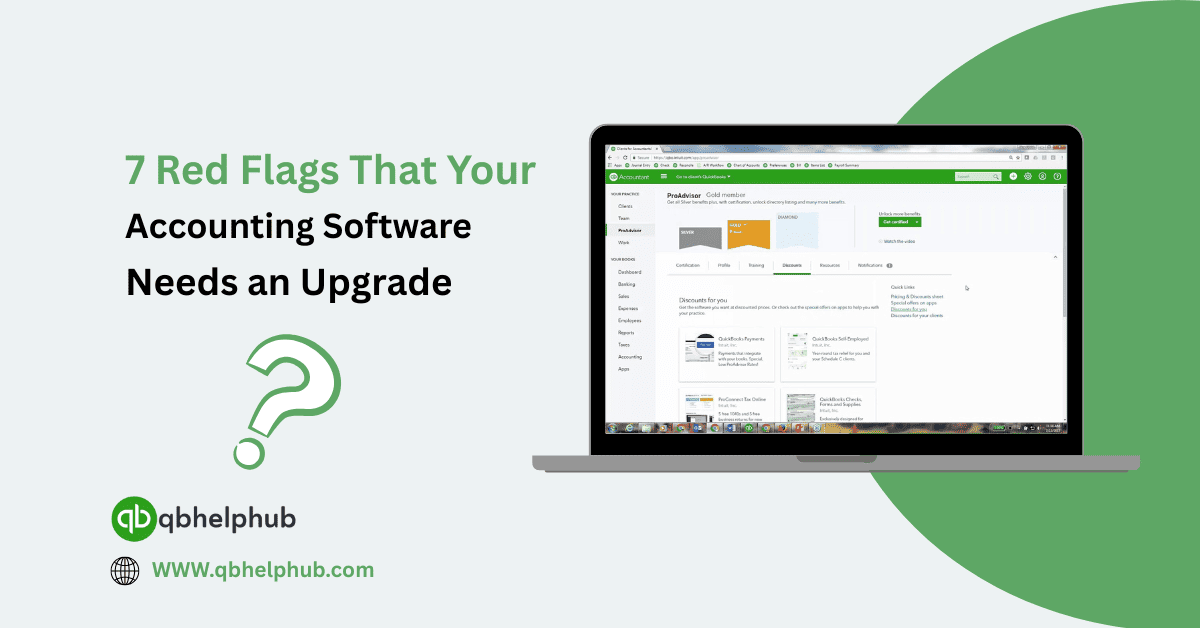
It’s easy to settle into the routine of using the same accounting system you started with. If it’s not broken, why fix it right? But over time, what used to…
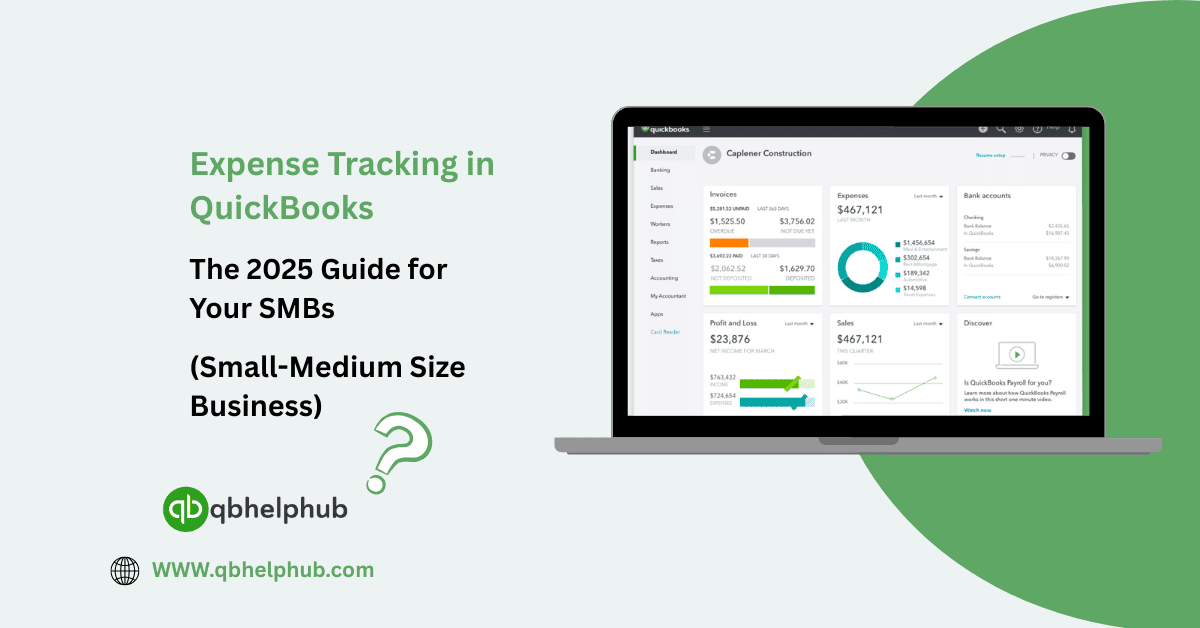
Managing business expenses may not be the most exciting part of running a company, but it’s one of the most important especially for small and medium-sized businesses. If you don’t…
Connect Shopify to QuickBooks Online might sound technical, but once you get through the initial setup, it becomes one of the most useful integrations for keeping your sales and books…
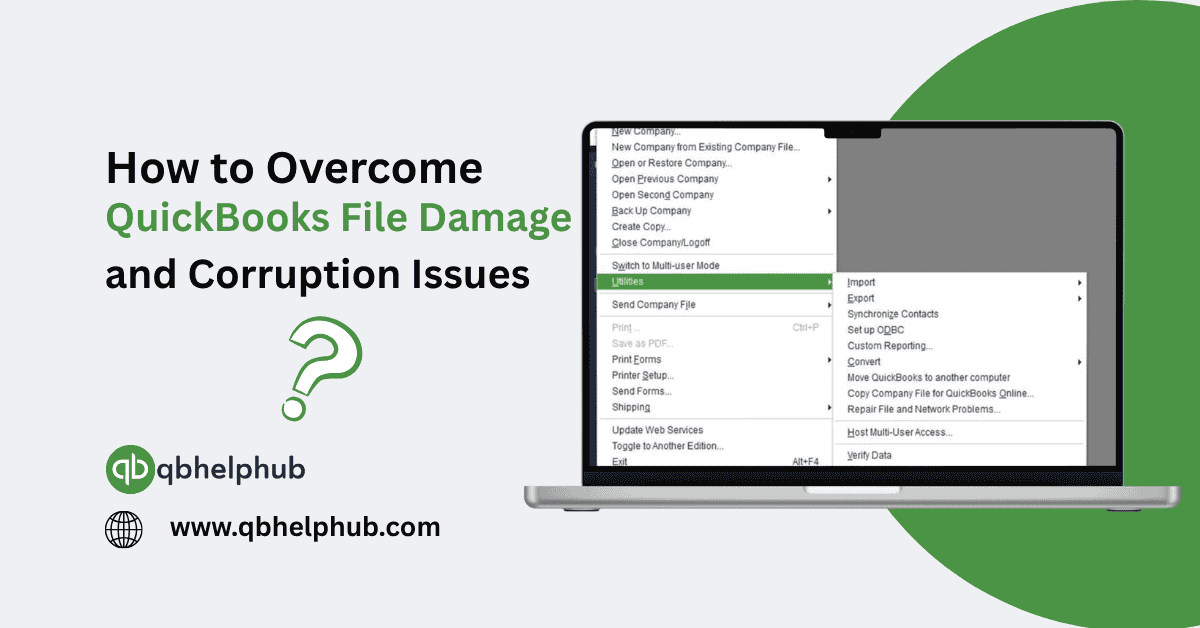
There’s nothing more unsettling than trying to open your company file in QuickBooks and getting an error message or worse, the file loads but doesn’t behave the way it should.…

QuickBooks Desktop is a powerful tool but when it suddenly freezes while you're working, that feels more like a problem than a solution. One moment you're entering invoices or reconciling…
Sometimes, when you’re clicking around in QuickBooks, trying to download a payroll update or connect to a bank feed, and out of nowhere and you get hit with “Error 404.”…
If you’ve been trying to update your payroll in QuickBooks Desktop and suddenly get hit with Error 15101, you’re probably wondering: what’s going on and how do I fix it?…