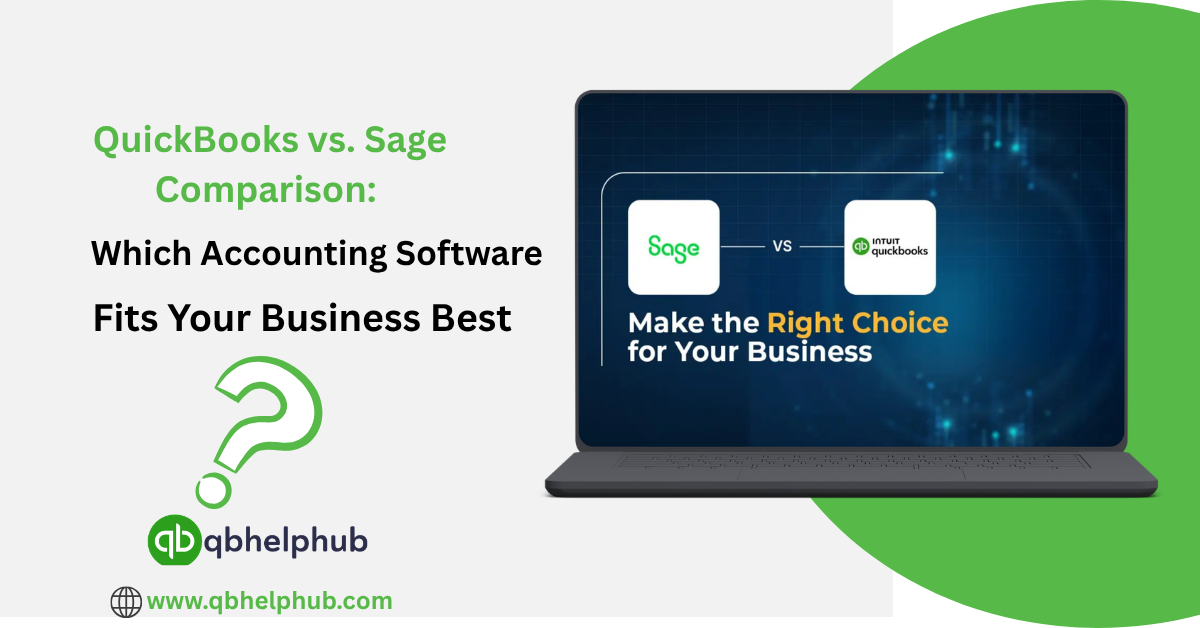
Choosing accounting software is one of the most important decisions for a business. It’s not just about tracking numbers; it’s about how well you can run operations and make right decisions. Two of the big names in this space are QuickBooks and Sage. Both are solid, but they suit very different types of businesses and needs. Through this blog, let us see what each platform offers, where one may shine over the other, and how to pick the one that fits your business best.
Read Also: How to Set Up a Loan in QuickBooks Online?
Understanding What Each Software Is
QuickBooks (by Intuit) has long been a go-to for small to mid-sized businesses. It is user-friendly, designed with non-accountants in mind. It also offers a range of plans including cloud versions.
Sage offers a suite of accounting products such as Sage Business Cloud, Sage 50, and Sage Intacct. It is aimed at small to medium businesses but that can scale to larger and more complex needs.
So, while both are accounting tools, their target audiences don’t really overlap. QuickBooks tends to focus more on ease of use and essential features. Sage leans toward broader feature sets and scalability for growing businesses.
Comparison of Few Key Features
When comparing QuickBooks and Sage, several feature areas stand out. Let us walk through them to see where each shines the other.
1. Ease of Use and Setup
One of the biggest pull-factors for QuickBooks is its ease of use. If you are a smaller business without a dedicated accounting team, choose QuickBooks. It is best because it typically offers a simpler setup and shorter learning curve. Cloud-based QuickBooks Online versions offer strong user interfaces, mobile apps, and intuitive workflows. Sage has those features too, but in many cases, it is layered with more options and complexity. That makes Sage powerful, but sometimes less immediately friendly for beginners.
2. Features and Functional Depth
If your business has simple books, expenses or invoices, the basic payroll QB can cover what you need. But if you have more advanced needs, choose Sage. It is best for multi‐entity reporting, job costing or manufacturing inventory management. Sage also begins to pull ahead in case of a complex financial merging. For example, one review notes Sage offers richer inventory and job costing features.
3. Scalability and Business Size
If you are just starting, with one company, few locations, and not many users, QuickBooks may be a great fit. If your business is expanding or has multiple entities or currencies, or complex workflows, choose Sage. Sage is ideal for growing businesses with complex needs. While QuickBooks is best for smaller organizations with simpler requirements.
4. Integrations and Add-Ons
The ability to connect with other tools is also important. QuickBooks has built a huge ecosystem of integrations. So, it has hundreds of third-party apps plug into it. Sage supports integrations too, but some sources suggest QuickBooks leads in quantity. QuickBooks is also a better option in the ease of connecting add-ons.
5. Pricing and Value
Pricing is always important when it comes to growing businesses. QuickBooks typically starts at a lower cost for small business plans. For example, simple QuickBooks Online plans may start at a modest monthly fee. Sage’s pricing tends to be higher especially as you move into plans for larger firms or more users. Sage’s entry level plans have higher cost and fewer users than QuickBooks options.
6. Support and Training
If you’re newer to accounting software, support and ease of training matter a lot. Some users report QuickBooks offers many support resources. It also has a large user base which means answers are easier to find. Sage may offer stronger direct support and deeper features. So, it is best for businesses needing tighter support. For example, one review noted Sage’s customer service as a strength in many cases.
Read Also: Automating Recurring Transactions in QuickBooks Online and Desktop: Step-by-Step Guide
Pros and Cons
Let’s summarise what each platform tends to excel at, and where they may lag.
QuickBooks Pros:
- User-friendly, quick to learn for small teams.
- Strong mobile and cloud access.
- Large ecosystem of add-ons.
- Lower starting cost for basic plans.
QuickBooks Cons:
- May lack advanced features for complex business models.
- As business grows, you may hit limits and need upgrade or switch.
- Some users report support delays or limitations at higher plan levels.
Sage Pros:
- Rich features for growing businesses: inventory, multi-entity, job costing.
- Better suited for mid-market or complex operations.
- Strong accounting depth and financial reporting capability.
Sage Cons:
- Higher cost, harder to start with.
- Learning curve can be steeper, especially for non-accountants.
- Some versions may have weaker mobile app or simpler user experience.
Which One Is Best for Your Business?
Deciding which software fits your business best comes down to matching your current and near-future needs. If you’re a smaller business, say fewer than 10 users, simple financial operations, one entity, choose QuickBooks. If you want something quick to adopt, the leaner cost and simpler setup of QB could be the better fit. But if you are mid-sized, expect growth, have multiple companies or complex operations choose Sage. Sage likely offers the infrastructure for your needs and can scale with you.
Read Also: How QuickBooks Online Helps Businesses Simplify Accounting and Save Time?
Transitioning and Paying Attention to Change
Adopting accounting software is not just about picking features. The most important thing, it’s about change management. No matter how good the software, you’ll need to train your team. One may also need to migrate data and possibly change some workflows. If you start with QuickBooks but soon grow into bigger needs, you may face a costly migration later. On the other hand, choosing Sage too early may mean paying for features you don’t yet need. It would also mean complicating systems when simplicity would do the work just fine.
To Conclude
QuickBooks and Sage both offer strong accounting platforms. But they serve different kinds of businesses. If you’re small, budget-sensitive, and want something easy to use, QuickBooks is very tough to beat. If you like growth, need advanced features and deep financial control, then Sage is likely the better long-term choice.
Pick based on where your business is now and where you expect it to be in the next 12–24 months. That way, you’ll avoid choosing something that fits now but doesn’t carry you forward. It will also save you from paying for something you won’t use for years.
Get in Touch with Us
If you are interested to know more about QuickBooks Online and Desktop, we are here to help you through our dedicated customer service team. Fill out the customer response form or feel free to reach to us at support@qbhelphub.com Our highly competent team is here to solve all your queries regarding QuickBooks.
FAQs (Frequently Asked Questions)