
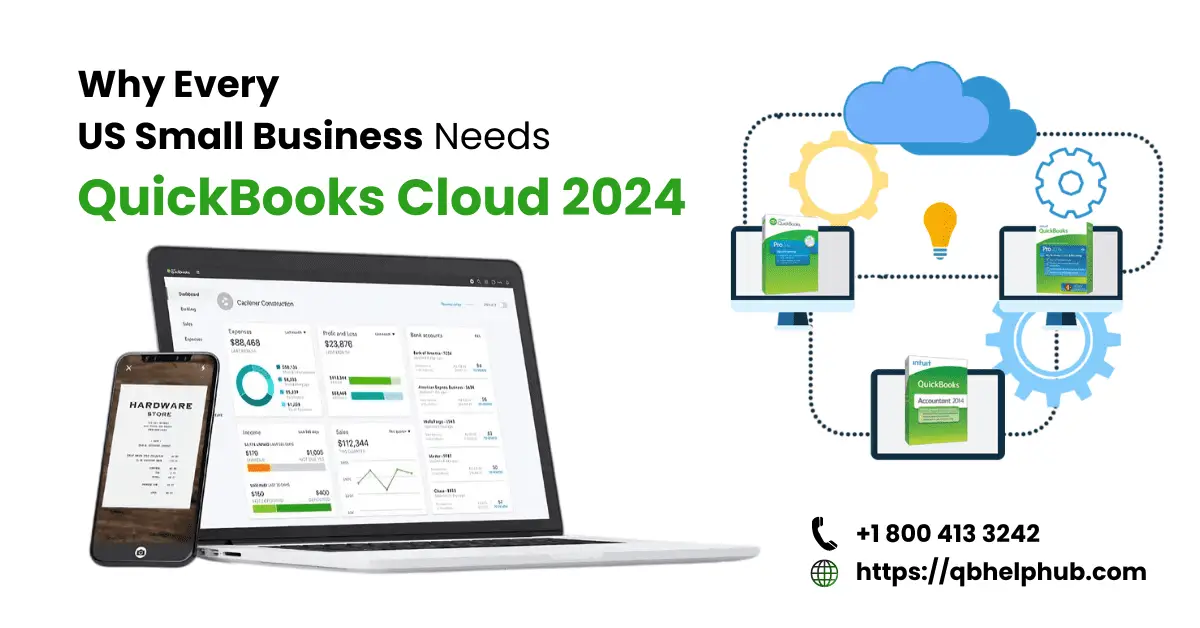
If you’re a busy businessman, keeping your accounts in check could feel overwhelming. In this regard, traditional accounting methods often fall short. They are prone to manual errors and loss of data due to mismanagement. That’s where the need of an automation-powered accounts management software like QuickBooks Cloud 2024 becomes important.
Read also: 5 Ways QuickBooks Cloud Can Save You Time and Money
What is QuickBooks Cloud 2024?
QuickBooks cloud is an accounting software that can automate your time-consuming and manual accounting tasks so that you can focus on other growing aspects of your business. Whether you want to track income and expenses or scheduled custom recurring invoices, the software can do it all. All you need is a device with a stable internet connection to access the QuickBooks Cloud from anywhere at your ease.
Benefits of Using QuickBooks Cloud
Let’s discuss the benefits that allow you to create more productive hours for your business for quick growth.
Flexibility of operation
As the software runs on cloud, you can manage your accounts on the go. Enable your remote team to manage your finances from any internet connected laptop, smartphone or tablet. Whether you want to track inventory, or receive low-stock alerts, the cloud setup allows you to do all at any time from your office, home or even remotely.
Real-time visibility
The software empowers your decision-making ability with up-to-date and real-time updates of your accounts. You can check cash flow, account balance, transactions and financial reports with just a couple of clicks. As a result, you make faster decisions without any doubt of data error.
Easy Data Management
The cloud setup makes it easy for everyone in your team such as accountant, bookkeeper, or employees to collaborate and work on the same account. All it takes is a few clicks and you can easily add users, change user access, or limit their usage right to specific sections of your accounts from a remote setup.
Read also: How QuickBooks Enterprise Empowers Your Team
Data security
QuickBooks ensures all users data remain protected from unwanted malicious actors on the internet. That’s why it offers advanced, high-end security protocols. The software is DigiCert® secured and features password-protected logins to make sure no one other than authorised users are accessing your accounts. Also, it allows you to exercise user access limitations to avoid unnecessary access of secured information by users without any purpose.
Automatic data synchronisation
Apart from keeping all your accounting data secure, private, and protected in the cloud, QuickBooks also allows you to seamlessly sync your data in the backend. The software runs automatic data back-up without requiring you to manually check the process every time. In case you want to have a review of your data, you can check the activity log and audit trail that are continuously updated in the backend.
Easy Tax Management
It’s not easy to manage tax by keeping all dos and don’ts in mind, if you’re a small business owner. However, QuickBooks Cloud 2024 simplifies this process. It helps you organise your financial data so that you can easily access them for tax management. The software can generate tax reports to file your taxes accurately and on time. As a result, you save time and effort and potential penalties associated with tax filing errors.
How to get started?
Anyone with basic computer knowledge can easily work with QuickBooks Cloud 2024. First, you need to have an official QuickBooks account. You can easily sign up and create one on the official website. Complete your account set up and import your existing financial data into the system. There are comprehensive guides, dedicated forums as well as a support team to help you through this process. If you need customisation, the team can also help you do that as per your specific business needs.
Common Misconceptions
There are several misconceptions around QuickBooks Cloud 2024. Without complete knowledge, these misconceptions can hold you back from using the software to your advantage. Here are some common misconceptions:
Read also: How to Optimize QuickBooks Enterprise Desktop 2024?
It’s too expensive
Yes, the software comes with an upfront cost. But when you compare it with off-the-shelf solutions, you get more long-term savings.
It’s not secured
Just because there is numerous news of online data breaches on the internet, QuickBooks is prone to such accidents. The software comes with advanced encryption and security measures.
It’s too complicated to use
QuickBooks seems complicated unless you know how to use the resources available to your advantage. You can always take help from a dedicated support team and forums to quickly clear your doubts and use the software to streamline your business.
Conclusion
QuickBooks Cloud 2024 can help both small and large businesses alike when it comes to streamlining accounts with automation. The software boasts an ease of use, enhanced security, real-time tracking, customised packages, and scalability. All these features make it an invaluable asset for businesses to manage their finances by taking guesswork out of the process. Moreover, QuickBooks Cloud 2024 is very much friendly to third-party software integrations which is another big reason why business owners prefer it in the first place. Don’t let financial management hold you back – leverage QuickBooks Cloud 2024 and watch your remote team thrive with a systematic workflow.

What security features does QuickBooks Cloud offer to protect US small businesses’ data in 2024?
Your detailed breakdown of QuickBooks Cloud in 2024 is very helpful. Cloud solutions are the future, and your article does an excellent job of explaining their advantages in a simple and clear way!
How does QuickBooks Cloud 2024 improve the efficiency of managing finances for small businesses?
QuickBooks Cloud 2024 enhances financial management for small businesses by providing real-time access to financial data from anywhere. Its automated features streamline tasks like invoicing and expense tracking, while integrations with other tools save time and reduce manual errors. Enhanced reporting and analytics offer insights for better decision-making, boosting overall efficiency and productivity.
QB Help Hub has been instrumental in showing us why QuickBooks Cloud is essential for every small business in the US. Their insights and support made transitioning to the cloud seamless, enhancing our efficiency and scalability. Highly recommend their expertise!
Hi Oliver Bennett!
Thank you for your kind words! We’re so glad to hear that QB Help Hub has been helpful in your transition to QuickBooks Cloud. It’s fantastic to know that our insights and support made the process seamless for you. Your recommendation means a lot to us! If you ever need further assistance or have any questions, don’t hesitate to reach out. We’re here to support you!