
Introduction
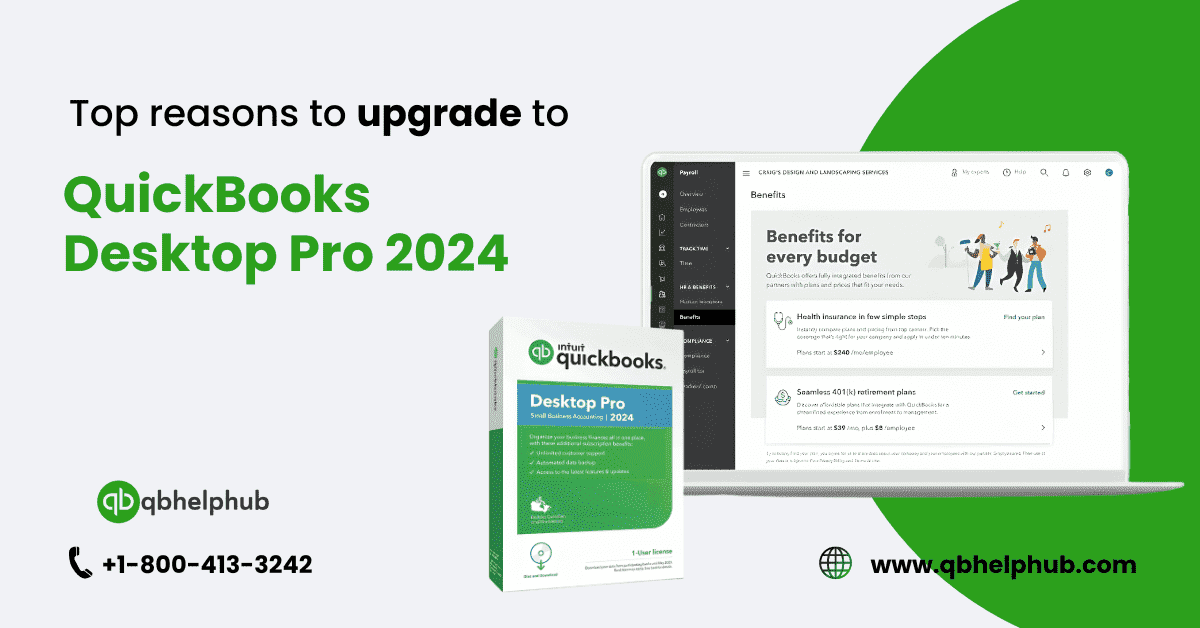
Still using an older version of QuickBooks? If so, you may be missing out on entirely new features and improvements that could be helping make operations for your business run much smoother. When you upgrade to QuickBooks Desktop Pro 2024, it isn’t just about catching up; you will also get the most modern tools available to make management of the books for your business easier and more efficient. This article will explore the top reasons you should consider making a switch.
Read also: How to Login to QuickBooks Online?
Enhanced user interface
Probably the most prominent change within QuickBooks Desktop Pro 2024 would be the enhancement of the user interface. It is much easier to get around because all the features are intuitively laid out. Not only has this changed for good in a modern-looking way, but it also provides faster ways for users to find what they want and makes learning easier for new people. Basically, it’s like moving from an old, out-of-date flip phone to a modern smartphone—everything just makes more sense.
Improved security features
Security, if not the most, is indeed a very important aspect of today’s digital world. QuickBooks Desktop Pro 2024 comes with more security features in it to ensure complete safety from risks for your financial information. Advanced methods of encryption and regular security updates will let you leave your data completely safe, just like having a heavy lock on the door, ensuring that no unwanted visitor gets through to your sensitive details.
Advanced reporting options
You will want detailed reports to make informed decisions while running a business. QuickBooks Desktop Pro 2024 offers advanced reporting possibilities on the performance of your business. From profit and loss statements to a balance sheet, these reports are fully customizable for your particular needs. This is like having your private financial analyst giving you all the details to make sound decisions.
Seamless integration with other tools
Integration with a host of other tools and applications paves the way for an uninterrupted workflow. QuickBooks Desktop Pro 2024 integrates with thousands of third-party apps: CRM, e-commerce, payment procurement systems, among others. That way, you can get all your business processes consolidated into one place and save time and reduce error counts. It’s like having a universal remote control for all your devices; it just makes life easier.
Enhanced customer support
No matter what software it is, customer quickbooks support is a very essential thing. In QuickBooks Desktop Pro 2024, you will get an enhanced set of customer support options. Whether one prefers talking online, calling in, or even browsing through a well-written, in-depth knowledge base, there will be somebody at your side in times of need. You have a knowledgeable friend who will help you out whenever things go wrong.
Automated backup and data recovery
Losing financial data can be catastrophic for you and your business. QuickBooks Desktop Pro 2024 creates automated backups and its design specifically aims for quick and easy recovery in the worst case. Schedule your backups easily, and if an issue occurs, get back to business fast. Think of it as having insurance for your data—you hope you will never need it, but you’ll be glad it’s there.
Read also: How do I Login into an Intuit QuickBooks Account?
Better performance and speed
Nobody likes waiting on a load or process within software. QuickBooks Desktop Pro 2024 is improved for performance and speed, ensuring that tasks completion is faster than ever. It means less time waiting and more time being productive. It is like stepping up from a regular car to a sports car—everything just moves faster.
Enhanced payroll features
Payroll management can be so complicated and time-consuming. With enhanced payroll features, QuickBooks Desktop Pro 2024 is easy to handle, manage your employee payments, calculate employer taxes, comply with the regulations, and remain compliant in every other way. It’s like having the entire payroll department at your fingertips to ensure everything goes smoothly.
Advanced inventory management
Inventory management is very critical for any business that deals in tangible products. QuickBooks ProDesktop 2024 provides enhanced inventory management tools, enabling the tracking of inventory levels by setting reorder points and creating comprehensive inventory reports. It gives users ease of mind by having a smart assistant quite literally at your fingertips. Know precisely what is in stock and when to order more—absolutely no guessing on inventory.
Comprehensive financial planning tools
Long-term planning is necessary for any business. Comprehensive financial planning tools in QuickBooks Desktop Pro 2024 will help you create budgets and forecast future revenues and expenses, plan your growth, and know the precise direction towards which your company is moving. It’s as if you are getting insight from a crystal ball about the financial future of the business, allowing you to make informed decisions today.
Customizable user permissions
Different users play different roles and take different responsibilities in the running of a given business. Therefore, QuickBooks Desktop Pro 2024 allows different sets of user permission settings so that each user will only be able to operate under relevant features and data. This helps in securing your company from unauthorized access. Much like a set of keys—in this case, with some opening only certain doors, not all—is what keeps everything secure and organized.
Efficient time tracking
This enables correct employee time tracking, which is used when one has problems dealing with payroll and project management. QuickBooks Desktop Pro 2024 comes with a time-tracking feature that allows employees to easily track hours worked and capture the information for payroll processing and project costing purposes. It’s almost like a digital time clock, saving everybody headaches and ensuring the accuracy of payment for work done and projects delivered.
Simplified tax management
Tax season is the busiest time of year for any operating business. QuickBooks Desktop Pro 2024 now keeps tabs on all your tax duties throughout the year. Equipped with expense categorization features, generation of reports for tax purposes, and conformity to relevant tax laws, it virtually becomes a tax advisor working 24×7 to have you always ready and up for it.
Mobile Accessibility
Everyone wants to access their business data on the go in today’s fast-moving environment. With QuickBooks Desktop Pro 2024, you will be able to access your finances anywhere on your smartphone or tablet. You are almost like carrying an office in your pocket and working from anywhere.
Cost-effective solution
Upgrading softwares can be very pricey, but this tool, QuickBooks Desktop Pro 2024, comes reasonably priced with excellent value for its money. It has numerous features inbuilt in its design to smoothen your business and thus proves to be very cost-effective by giving you back the important time of your life and reducing errors. It’s like you’re investing in something of quality that will last for years and helps make your job easier every day.
Read also: Is Intuit QuickBooks Safe? Exploring Security and Reliability
Conclusion
Upgrading to QuickBooks Desktop Pro 2024 will bring forward a number of advantages that can make big improvements in how you do business. From improved security and performance to advanced features such as inventory management and financial planning tools, this upgrade will help you run your business more easily. Move to a higher level with the QuickBooks Desktop Pro 2024 version when running your business.


What are the key benefits of upgrading to QuickBooks Desktop Pro 2024 compared to previous versions?
QB Help Hub’s insights into the benefits of upgrading to QuickBooks Desktop Pro 2024 were invaluable. Their expert advice helped us understand the new features and improvements, making the upgrade decision straightforward and advantageous.
Why should I consider upgrading to QuickBooks Desktop Pro 2024 for my business?
QB Help Hub highlighted the key benefits of upgrading to QuickBooks Desktop Pro 2024. Their expert advice helped us understand the new features and improvements, making the upgrade decision clear and beneficial for our business.
Your breakdown of reasons to upgrade to QuickBooks Desktop Pro 2024 is fantastic. The benefits are clearly outlined, making it easy for users to decide if upgrading is worth it. Great insights!