
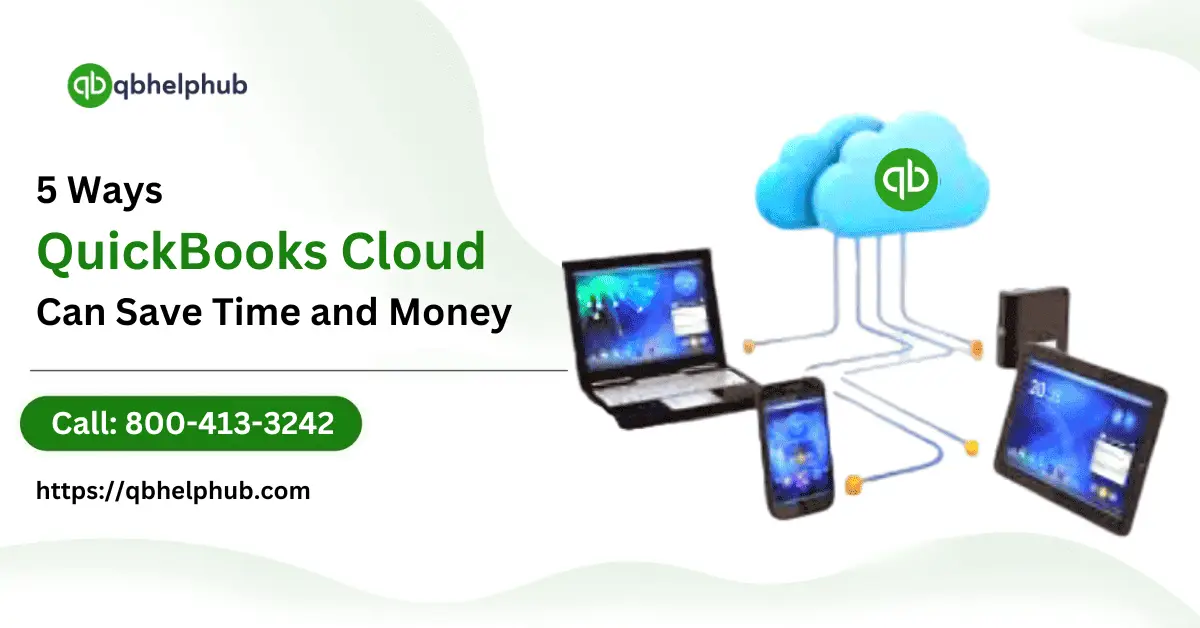
Businesses face a hard time managing their finances. Even with a dedicated team, you need to be cautious about the amount of time and money the process requires. That’s where QuickBooks Cloud Hosting comes as an ideal solution. The application offers a wide range of features to help you easily manage your finances, unlike traditional methods. Let’s explore some cool features of QuickBooks Cloud Hosting and understand how they can streamline your financial operations and boost your bottom line.
Read also: How Can QuickBooks Enterprise Can Help Your Business
What is QuickBooks Cloud Hosting?
As we all know, cloud service denotes hosting your application in a cloud server, instead of a local storage device. In this regard, QuickBooks also allows users to run the application from a remote server through the internet, also known as the QuickBooks Cloud Hosting feature. Under cloud setting, multiple devices can access the same QuickBooks account with official permission. Let’s take a look at some of its cool unique selling points and their corresponding advantages.
Unique Selling Points of QuickBooks Cloud Hosting
Access from anywhere
QuickBooks Cloud Hosting allows you to access financial data from any place with ease. That said, you can access it from the office, home, or while travelling. All you need is a stable internet connection to access QuickBooks from any device.
Key benefits:
- Flexibility of remote working
- Access data on the go
- Real-time update to keep everyone on the same page
Improved Team Collab
Usually, when your team works on their individual QuickBooks account, information synchronisation becomes a challenge. This can delay the progress and take more productive hours for a task than required. However, with QuickBooks Cloud Hosting, all users can access the same data in real-time.
Key benefits
- Real-time team collaboration (including members and accountants)
- Quick update of the latest information to everyone involved
- Less number of back-and-forth emails for information synchronisation
Read also: Choosing the Right QuickBooks Enterprise Solution for You (2024)
High Data Security
Usually, when it comes to using software on the cloud, data security comes as a major threat. Many times, businesses fail to protect sensitive financial data from malicious actors. That’s why QuickBooks Cloud Hosting comes with robust data security measures including strong firewall, data encryption, and regular backups, to ensure your data is safe from cyber threats.
Key benefits:
- High-end data encryption for avoiding data leakage online
- Regular data backup to ensure the data is never lost
- Multi-factor authentication to wave off unauthorised access
Cost Savings
When you work with on-premise QuickBooks applications, you need to have a conducive setup of hardware and IT infrastructure. They cost monthly recurring charges, adding more to your budget. With cloud service, you overcome the need of such costly infrastructure. Plus, the flexible pricing model of QuickBooks Cloud Hosting allows you to pay for only essential features, reducing unnecessary expenses.
Key benefits:
- Reduced IT hardware costs due to absence of physical servers
- Lower IT expenses on maintenance and support
- Flexible pay-as-you-go pricing model
Automation and Efficiency
Manual work and stress involved in accounts management is beyond comparison with QuickBooks Cloud Hosting that utilises automation. Without automation, businesses spend a great deal of manual work on invoice and payroll processing. Needless to say, these works are prone to human errors. However, QuickBooks Hosting brings automation on to the table to eliminate the scope of such errors from the process.
Key benefits:
- Automated invoice processing
- Streamlined payroll processes
- Reduced manual errors to save time
Read also: How to Fix QuickBooks Error 1603?
How to Set Up QuickBooks Cloud Hosting?
Anyone can set up QuickBooks Cloud Hosting with minimal technical knowledge. Here is a simplified step-by-step process. Step 1: choose a cloud hosting service provider Research and partner with an ideal cloud hosting service provider that meets your need for QuickBooks set up. Step 2: Plan your migration Set a timeline and gather qualified resources to carry out the migration. Step 3: backup your data Make a backup of your entire QuickBooks data to a secured local storage. Step 4: Install QuickBooks on the cloud server Take help of your resource or the hosting service provider to run the backup. Step 5: Train your team Provide professional training to your team on how to access QuickBooks data through cloud servers.
How to Choose the Right Provider?
Businesses often face the challenge when trying to select the best cloud hosting service provider in their area. Consider the following factors while making the decision:
- Market reputation: the service provider must have a good word-of-mouth (online reviews and number of years in service) in the market
- Support: there should be on-demand 24/7 dedicated Quickbooks technical support
- Security: the cloud server should be have strong encryption and other security measures in place
- Scalability: easy to scale up or down the server space as per your requirement
Read also: New Features in QuickBooks Desktop 2024
Potential Challenges and Solutions
Let’s briefly understand how to overcome the top three challenges that businesses often face while using QuickBooks Cloud Hosting service.
Internet Reliance:
Make sure you have a stable internet connection and its backup in place to keep your QuickBooks running in real-time.
Data Migration:
Work closely with your hosting service provider to ensure a smooth data migration.
Training:
Provide sufficient technical training to your team on how to get up to speed with QuickBooks in cloud hosting.
Conclusion
QuickBooks Cloud Hosting can save you both time and money, if your team knows how to take advantage of it in a remote setting. When used properly, it can give you benefits like quick accessibility, improved collaboration, and high work speed with the power of automation. If you need to focus on growing your business by saving time on unnecessary manual tasks involving on-premise accounting, switch to QuickBooks Cloud Hosting without any doubt.

Can you explain the cost-saving benefits of using QuickBooks Cloud?
Can you explain the cost-saving benefits of using QuickBooks Cloud for small businesses?
QB Help Hub showed us how QuickBooks Cloud can be a game-changer for saving time and money. Their recommendations and support helped us seamlessly transition to the cloud, streamlining our processes and reducing costs. Exceptional service and valuable insights from QB Help Hub!
This blog is a must-read for anyone looking to streamline their finances. The tips on saving time and money are practical and effective. Thanks to QB Help Hub, I’ve managed to simplify my accounting processes. Their expert guidance is invaluable. Highly recommend!
Businesses are always looking for ways to save money, and your article on QuickBooks Cloud does an amazing job of outlining how it can help. The information is well-researched and very practical!